Contents
- Which Warehouse Systems Should Be Protected by a UPS?
- Central UPS and Floor Cabinets
- What Size UPS? A Worked Example (Medium-Sized E-Commerce Warehouse)
- Campaign Periods and Peak Days
- Battery-Powered Equipment and Charging Areas
- Battery Runtime and Maintenance
- The Big Impact of Short Outages
- Frequently Asked Questions
In an e-commerce or logistics warehouse, the whole workflow depends on software. Orders arrive in the warehouse management system (WMS), are picked with handheld terminals, weighed and labelled at the packing station and handed over to the carrier. If Wi-Fi access points and servers shut down during an outage or short fluctuation, terminals lose their connection, labels cannot be printed and shipping stops. An outage close to the carrier cut-off time means hundreds of orders slip to the next day.
In this article we share the priority systems, UPS set-up and a worked example for choosing an uninterruptible power supply (UPS) for logistics centres, e-commerce and fulfilment warehouses.
Which Warehouse Systems Should Be Protected by a UPS?
| System | Effect of an outage | UPS? |
|---|---|---|
| WMS / ERP server and storage | No access to order, stock and location data | Yes, priority |
| Wireless network (Wi-Fi) and PoE switches | Handheld terminals and tablets lose connection | Yes |
| Packing stations (PC, label printer, scale) | Labels cannot be printed, shipping stops | Yes |
| Parcel weighing and dimensioning systems | No weight and volume data | Yes |
| Conveyor and sorter control PLCs | Line stops uncontrolled, records lost | Control part on UPS |
| Cameras, card access, alarm | Security and continuous recording | Yes |
| Conveyor motors, lighting, dock doors | High-power loads | Generator |
The point most affected by outages in warehouses is often the network. Wi-Fi access points spread across the warehouse are powered by PoE switches; if those switches are not on the UPS, terminals cannot connect even if the server is running. Network cabinets on the floor must therefore be included in the UPS plan.
Central UPS and Floor Cabinets
A common set-up in large warehouses is:
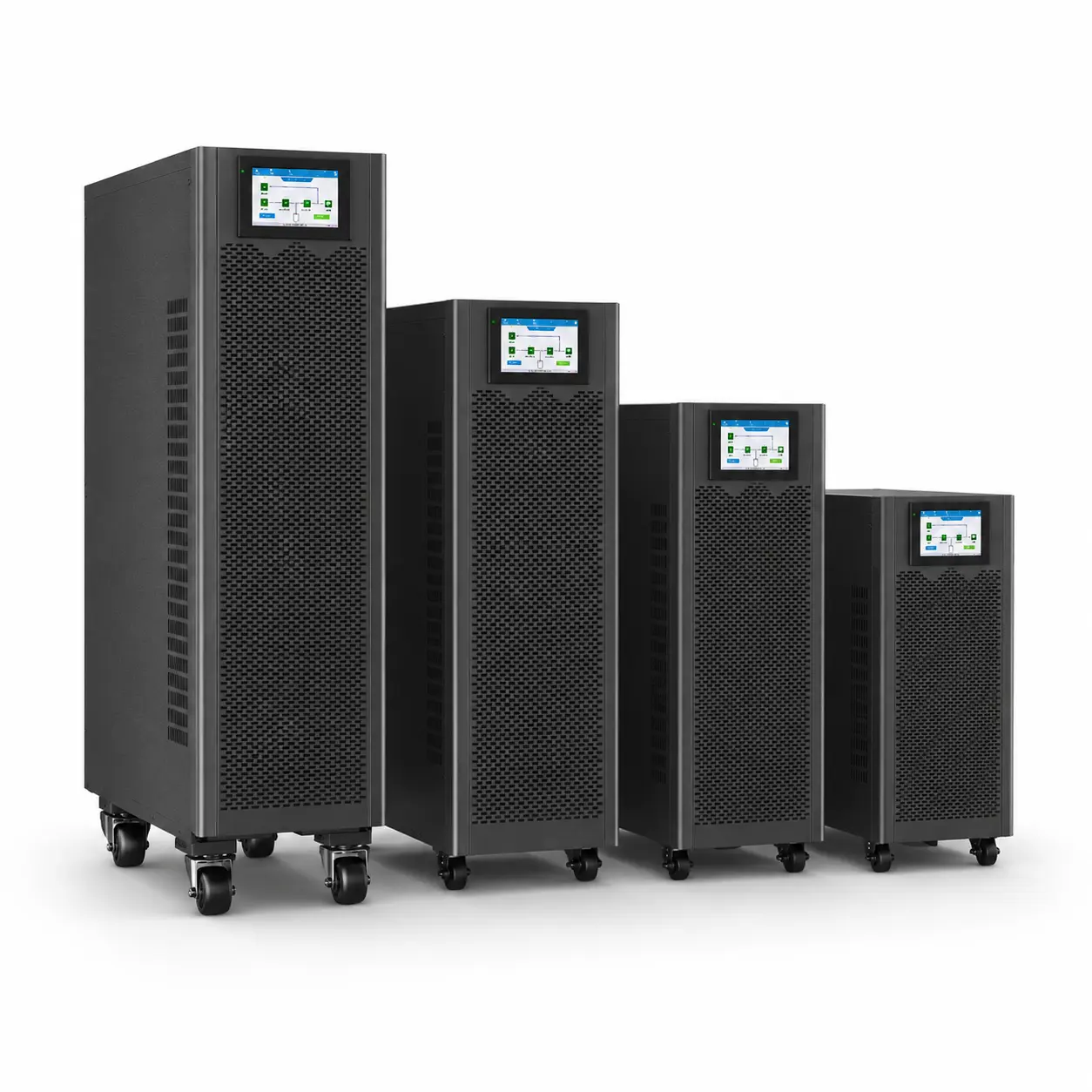
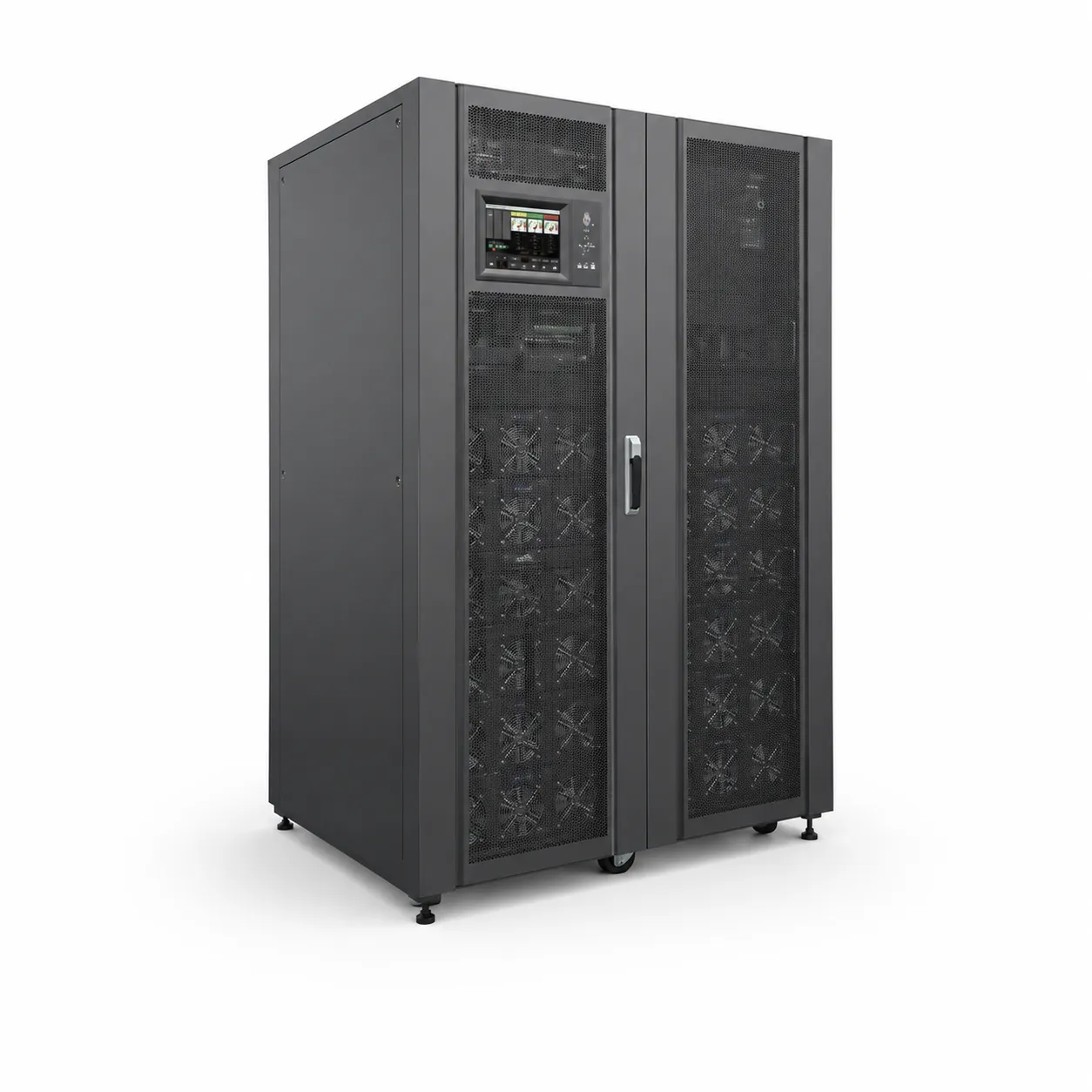
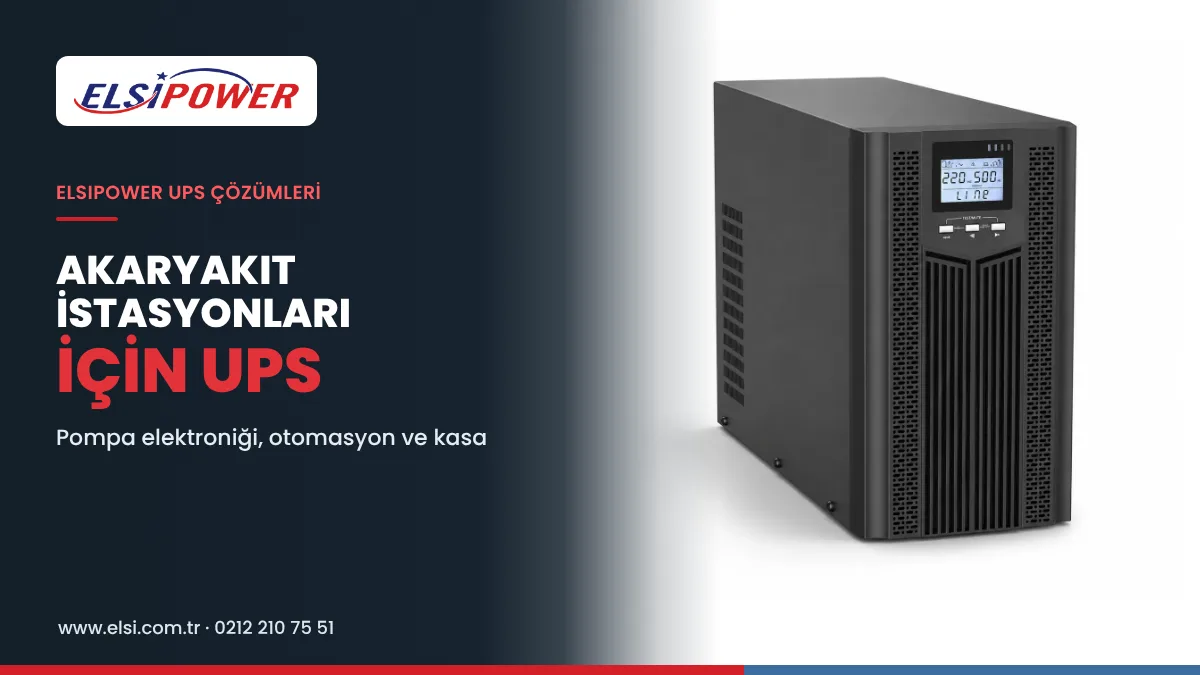
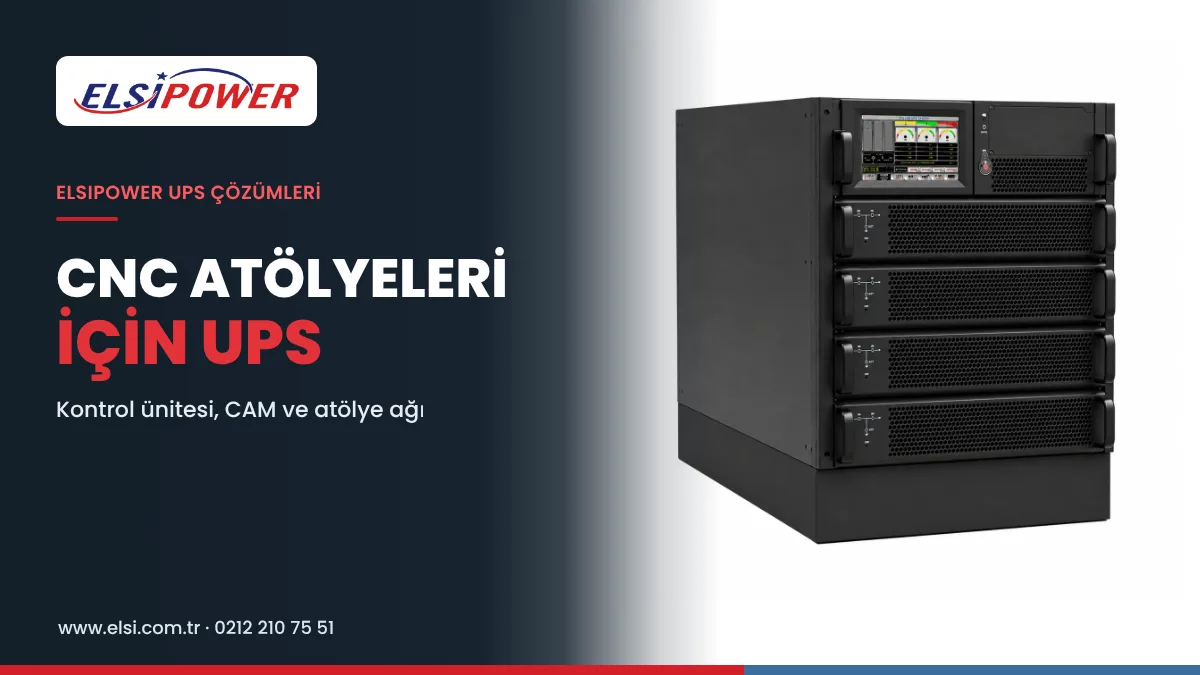
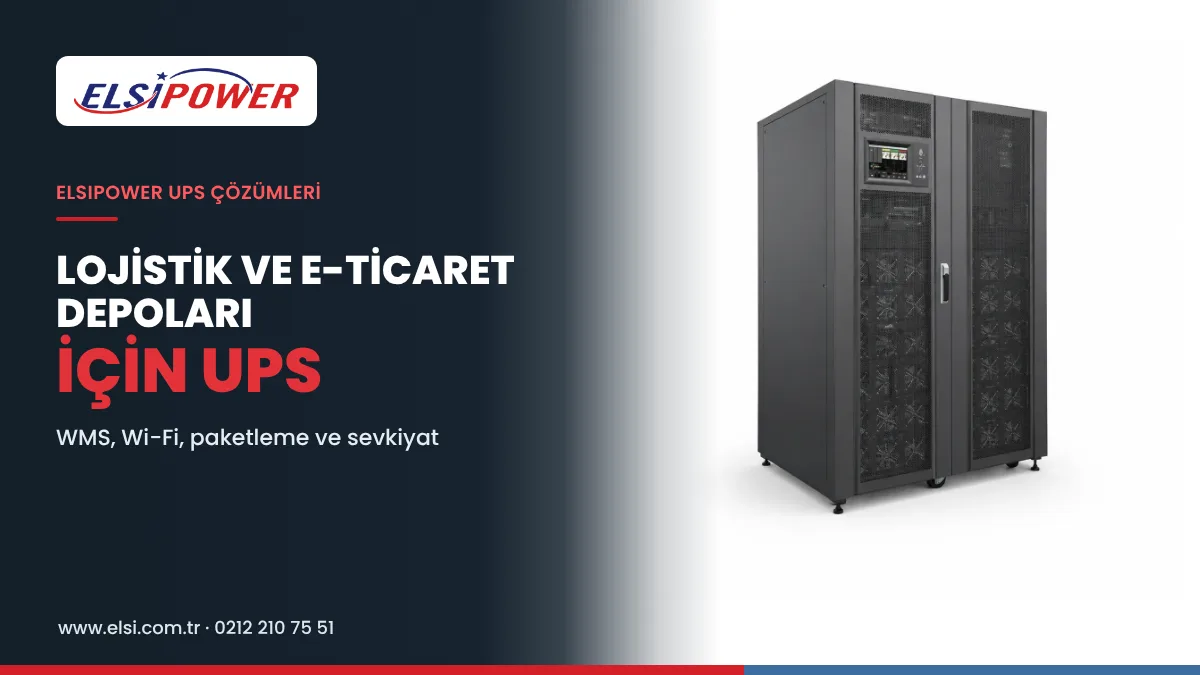
- System room: A rack-type online UPS for servers, core switches and internet lines, or a modular UPS for growing operations.
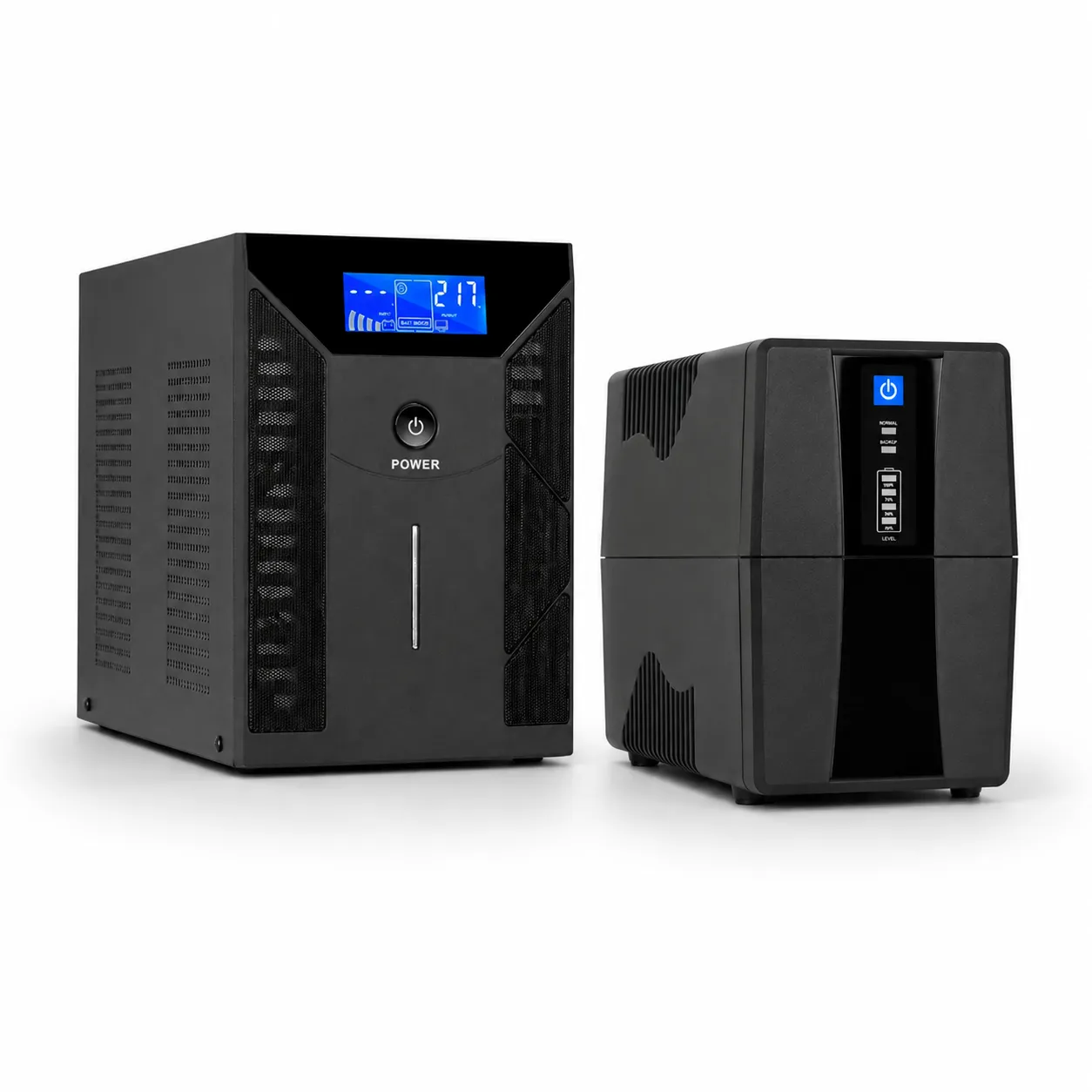
- Floor network cabinets: Small rack UPS units in each distribution cabinet in the warehouse.
- Packing and shipping area: Stations supplied from a separate UPS circuit or a central online UPS.
For details on the server room side, see choosing a UPS for a server room.
What Size UPS? A Worked Example (Medium-Sized E-Commerce Warehouse)
| Load | Estimated power |
|---|---|
| WMS server and storage unit | 600 W |
| 10 Wi-Fi access points and PoE switches | 400 W |
| 6 packing stations (PC, label printer, scale) 6 × 180 W | 1,080 W |
| Conveyor control PLC | 200 W |
| Camera recorder and cameras | 300 W |
| Total | 2,580 W |
2,580 W ÷ 0.9 ≈ 2.9 kVA; with a 25% safety margin ≈ 3.6 kVA. A 6 kVA online UPS suits this warehouse. If the number of packing stations increases during campaign periods, capacity should be planned accordingly. Details of the method are in what size UPS should I buy.
Campaign Periods and Peak Days
In e-commerce warehouses, order volume multiplies at certain times of the year, and an outage then causes far greater losses than on normal days. Before peak periods it is recommended to:
- test UPS batteries and renew them if necessary,
- include newly added packing stations in the UPS capacity,
- test generator and UPS transfers.
For short-term extra capacity, you can also consider UPS rental.
Battery-Powered Equipment and Charging Areas
Warehouses make heavy use of battery-powered forklifts, pallet trucks and handheld terminals. Their charging areas are not part of the UPS scope, but choosing and maintaining their batteries correctly is also part of operational continuity. See our forklift battery guide.
Battery Runtime and Maintenance
In warehouses with a generator, 10–15 minutes of battery time is enough. Without a generator, the aim is at least to save open orders, shut down servers in an orderly way and keep security systems running; external batteries can be added for this. Because warehouse dust can clog UPS fans, periodic maintenance should be carried out at least once a year.
The Big Impact of Short Outages
In warehouses, the most damaging events are often not outages lasting hours but on-off blips of a few seconds. Even a one-second interruption makes switches and access points restart, and the network can take several minutes to come back fully. During this time every handheld terminal loses its connection, picking lists are interrupted and open transactions at packing stations have to be redone. Repeated several times a day, these events delay hundreds of orders in a busy warehouse.
An online UPS never passes these short interruptions on to equipment. The network, servers and packing stations keep running without noticing what happens on the mains. That is why the return on a UPS investment in warehouses is felt more in these short outages than in long ones.
Frequently Asked Questions
The server is on the UPS, but handheld terminals still don’t work during an outage. Why?
Most likely the PoE switches powering the Wi-Fi access points in the warehouse are not on the UPS. Floor network cabinets also need UPS protection.
Should we put the conveyor line on the UPS?
Motors draw high power, so they are usually supplied by the generator. The line’s control PLC and barcode scanners should be on the UPS.
How do we set up UPS infrastructure in a rented warehouse?
Rack and tower UPS units that need no cabling changes can be installed quickly, and they can move with you when the warehouse relocates.
A UPS plan for your warehouse
Tell us about the equipment in your system room, your floor network cabinets and the number of packing stations; together we will choose a rack-type, online or modular UPS solution. You can call us on 0212 210 75 51 or send an email to elsi@elsi.com.tr.