Contents
In a CNC workshop, even a one-second loss of power can be costly. If the controller shuts down during machining, the spindle stops, the tool stays inside the part and may break. A part that has been machined for hours is scrapped, the machine loses its reference point and time is lost on re-homing, setup and test cuts. Voltage fluctuations also cause expensive failures in drive boards and controllers.
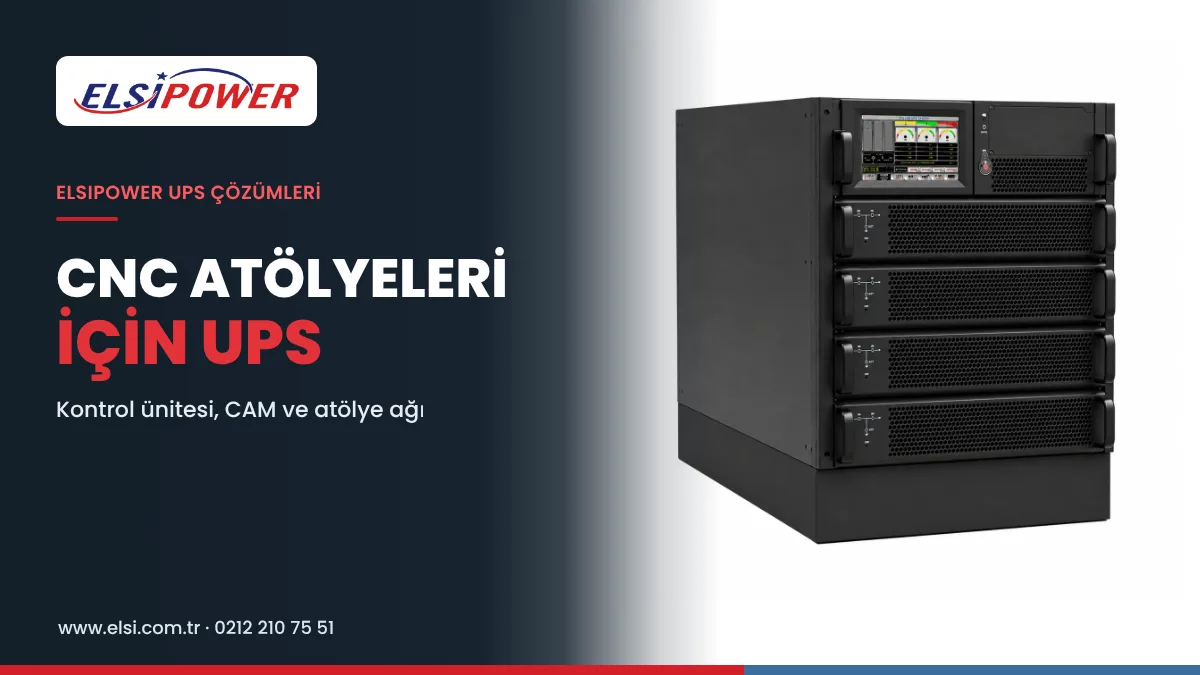
In this article we share what to consider when choosing an uninterruptible power supply (UPS) for CNC machining, CNC router, laser and plasma cutting workshops, two different protection approaches and a worked sizing example.
What Does an Outage Cost a CNC Workshop?
- Scrapped parts: An interrupted operation is a serious cost, especially with expensive materials and long jobs.
- Broken tools: When the spindle stops suddenly, the cutting tool can get stuck in the part.
- Loss of reference: When the machine restarts, axes must be re-homed and the work offset retaken.
- Board failures: Sudden loss and return of power strain servo drives and control boards.
- Program and data loss: Programs on the CAM PC and those transferred to the controller can be corrupted.
Two Approaches: The Controller or the Whole Machine?
There are two ways to plan a UPS for CNC machines:
| Approach | What is protected | When it suits |
|---|---|---|
| Control side only | Controller, operator panel, PC, CAM computer | Large machines; when protecting programs and control is the priority |
| Whole machine | The entire machine including spindle, axis drives and coolant pump | Small and medium machines; when the operation must complete during an outage |
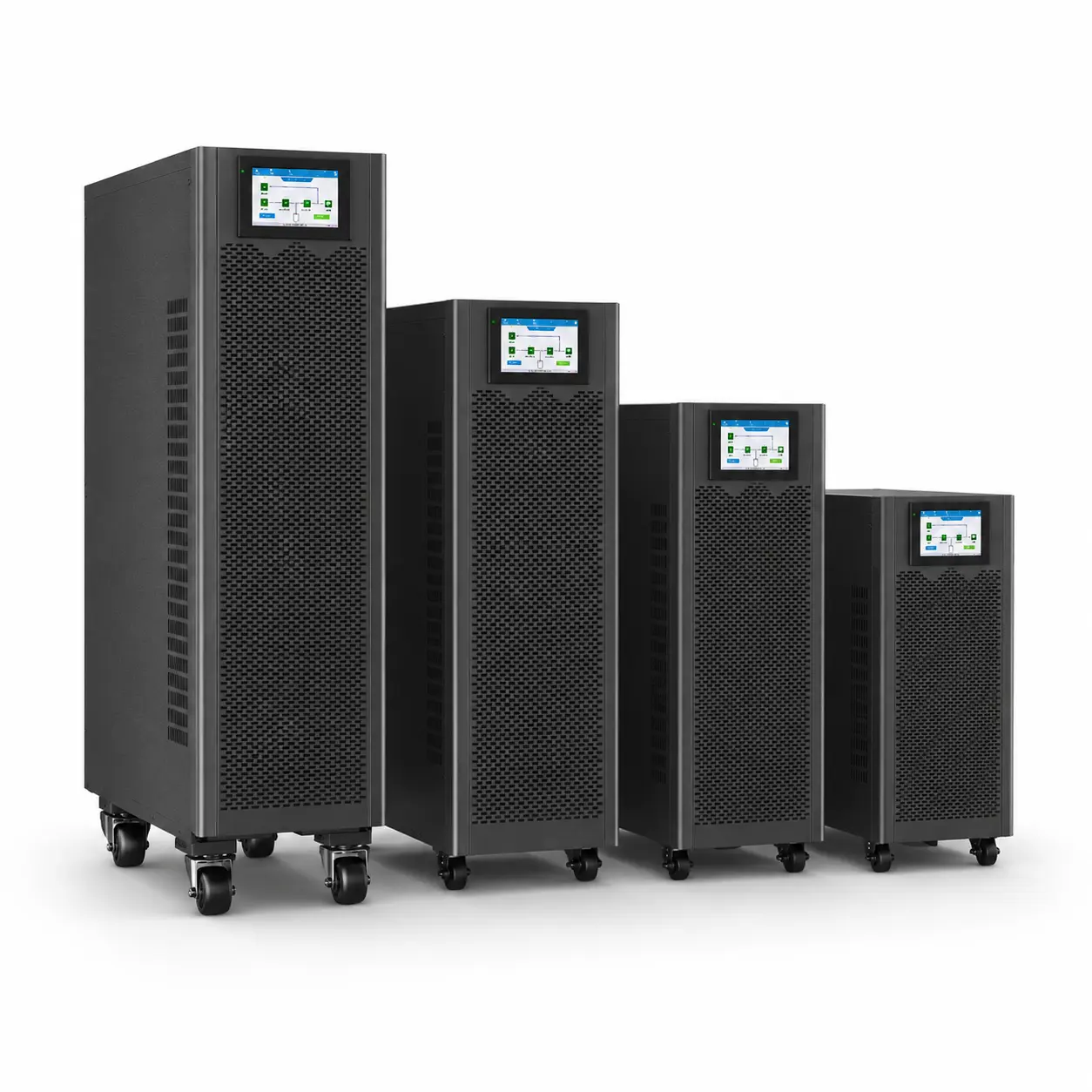
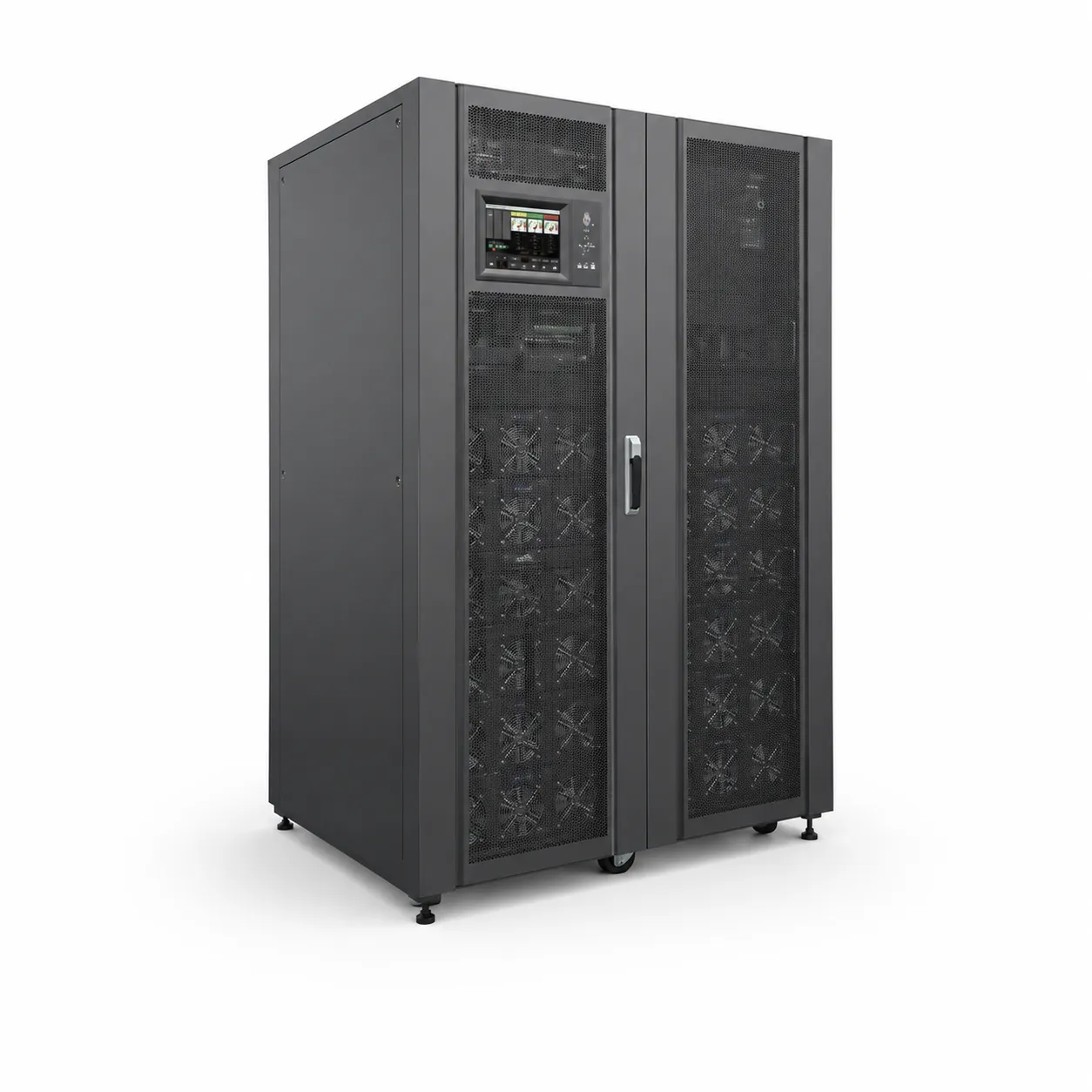
Protecting only the controller prevents loss of data and control, but the spindle and axis motors still stop. If the operation must continue safely during an outage, the whole machine should be supplied by an online UPS matched to its power. For large machines this usually means a three-phase online UPS of 10–40 kVA.
Why an Online UPS?
CNC drives and spindle motors create sudden load changes, and mains fluctuations can cause drive faults. With an online UPS the machine is always supplied from the inverter with clean, stable voltage, and there is no transfer time during an outage. Online UPS, not line-interactive, should therefore be chosen for CNC machines. The UPS’s short-term overload capacity must also be able to handle the spindle’s starting current.
What Size UPS? A Worked Example
Scenario 1 – Protecting the control side (workshop with 3 machines):
| Load | Estimated power |
|---|---|
| 3 CNC controllers and operator panels (3 × 300 W) | 900 W |
| 2 CAM / design computers (2 × 300 W) | 600 W |
| Network devices and file server | 200 W |
| Camera recorder and cameras | 150 W |
| Total | 1,850 W |
1,850 W ÷ 0.9 ≈ 2.05 kVA; with a 25% safety margin ≈ 2.6 kVA. A 3 kVA online UPS suits this workshop.
Scenario 2 – Protecting the whole machine: The connected power on the machine’s rating plate (for example 15 kVA) is taken as the basis, then the spindle starting current and a safety margin are added. In this example a three-phase online UPS of around 20 kVA is considered. The exact value should be determined by measurement while the machine is running.
UPS, Regulator or Both?
The most common problem in CNC workshops is often not outages but the low or fluctuating voltage in industrial zones. In that case:
- If the only issue is voltage fluctuation, a voltage regulator at the machine input may be enough.
- If outages also occur, the control side or the whole machine is protected by an online UPS.
- If the whole workshop has voltage problems and critical machines also face outages, a regulator and UPS are used together.
We explain regulator selection in detail in how to choose a voltage regulator for a CNC machine.
How Long Should the Battery Last?
With CNC machines the aim is usually not to run for hours but to complete the operation safely or stop the machine in a controlled way. For the control side, 10–15 minutes is enough in most workshops. If the whole machine is on the UPS, runtime is planned around the longest operation on that machine; if there is a generator, the UPS bridges the gap until it takes over. See how long a UPS runs for the method.
Installation in a Workshop Environment
Swarf, metal dust, oil mist and high temperatures wear out UPS fans and batteries. The UPS should be installed away from the machines, in a dust-protected, ventilated enclosure or electrical room. Cabling, earthing and connection to machine panels are planned on site during the site survey and design. Fan cleaning and battery tests should be part of periodic maintenance at least once a year.
Frequently Asked Questions
Can I connect my CNC machine to a home UPS?
It is not recommended. The output and overload capacity of home UPS units are not suitable for CNC drives, and the machine can overload the UPS. An online UPS matched to the machine’s power should be used.
Will the tool break if the spindle stops during an outage?
It depends on the moment, but the risk is high. When the whole machine is supplied by an online UPS, the spindle does not stop and the operation continues.
Does the same approach apply to laser and plasma cutting machines?
Yes. Because the laser source and plasma power unit draw high power, the control side and the chiller control are often put on the UPS; for the whole machine, the decision is made after measuring its power.
One UPS or separate UPS units for several machines?
A single central UPS is practical for the control side. If whole machines are to be protected, giving each critical machine its own UPS prevents a problem on one from affecting the others.
Let’s choose the right UPS for your workshop
Send us your machines’ rating plate details and the systems you want to protect; with on-site measurement we will plan an online UPS and, if needed, a voltage regulator solution with you. You can call us on 0212 210 75 51 or send an email to elsi@elsi.com.tr.