Contents
- Which School Systems Should Be Protected First?
- Rack-Type UPS for the IT Cabinet
- Central Solutions for Campuses
- What Size UPS? A Worked Example (Medium-Sized School)
- Holidays and Battery Life
- Exam Periods and Online Learning
- School Security and Emergencies
- Different Approaches for State and Private Schools
- Frequently Asked Questions
In education, almost everything is now digital: the student information system, school administration platforms, smart boards, labs, security cameras, card access and bell/announcement systems. When the power fails or fluctuates briefly, these systems shutting down affects lessons, exams and, above all, the school’s security. Frequent on-off power can also damage switches, servers and recorders.
In this article we share the priority systems, types of UPS and a worked example for choosing an uninterruptible power supply (UPS) for schools, colleges, tutoring centres and universities.
Which School Systems Should Be Protected First?
| System | Why it matters |
|---|---|
| IT cabinet (server, switch, firewall) | Internet, student information system and software |
| Camera recorder and cameras | Student and campus security |
| Card access and turnstiles | Entry-exit control and records |
| Bell and announcement system | Emergency announcements |
| Fire and alarm panels | Continuity of supply in addition to their own batteries |
| Exam and computer labs | Online exams and applications are not interrupted |
Because there are so many smart boards and classroom PCs, they are usually not included in the central UPS; small UPS units per classroom can be used if needed.
Rack-Type UPS for the IT Cabinet
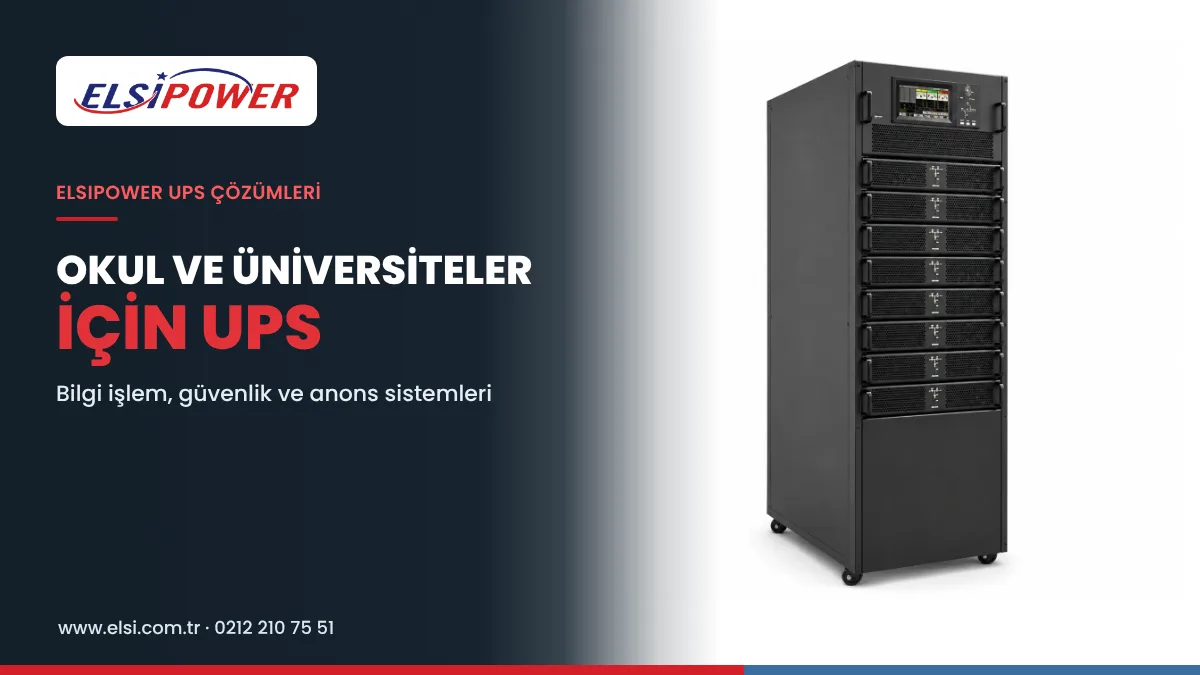
In school system rooms, equipment usually sits in 19-inch cabinets. A rack-type online UPS mounts directly in the cabinet and takes up no floor space. With a network monitoring card, the IT manager can monitor the UPS remotely and have servers shut down automatically during long outages. We cover UPS selection for server rooms in detail in choosing a UPS for a server room.
Central Solutions for Campuses
Colleges and universities with several buildings have a distribution cabinet in each building. In this set-up:
- small rack UPS units for building cabinets, and
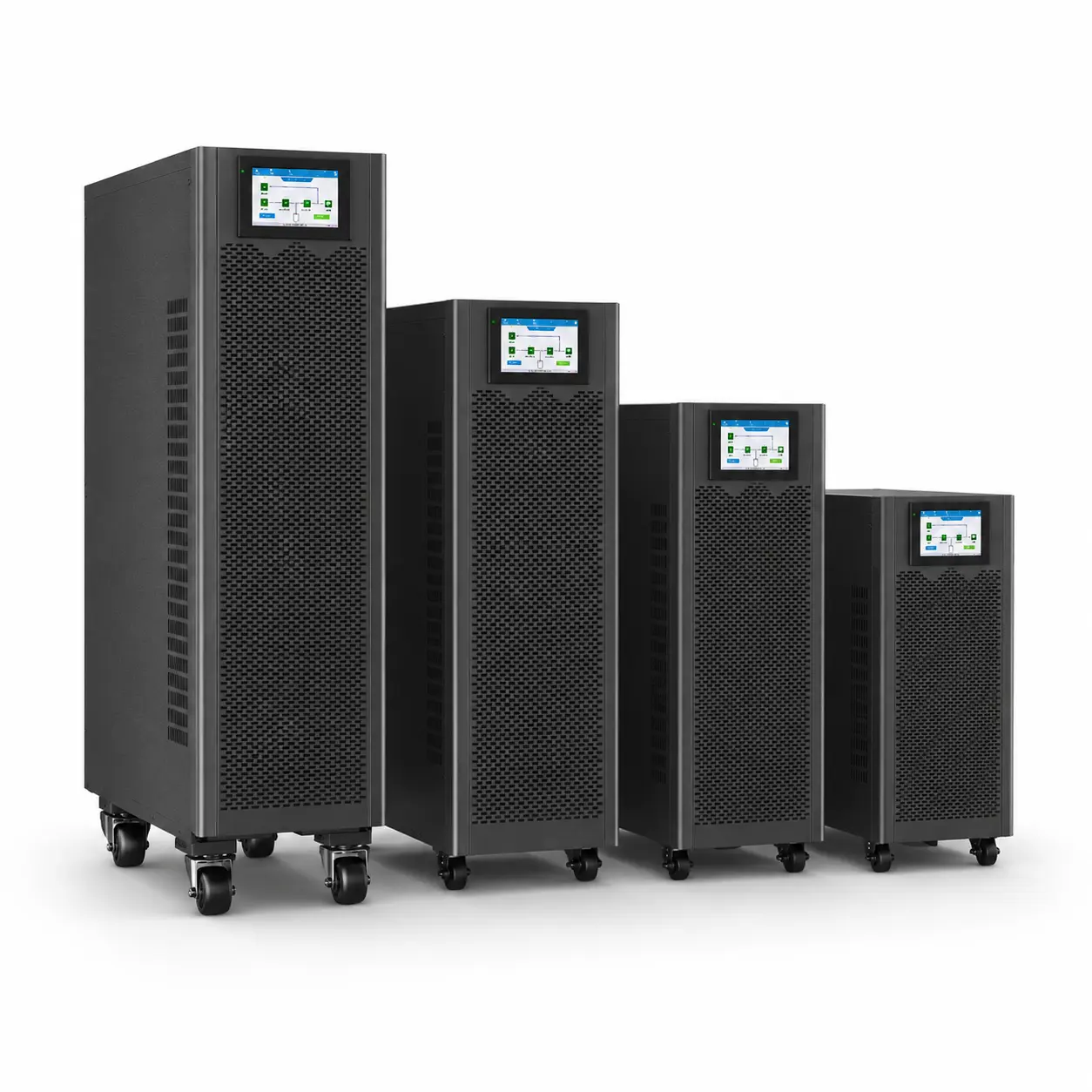
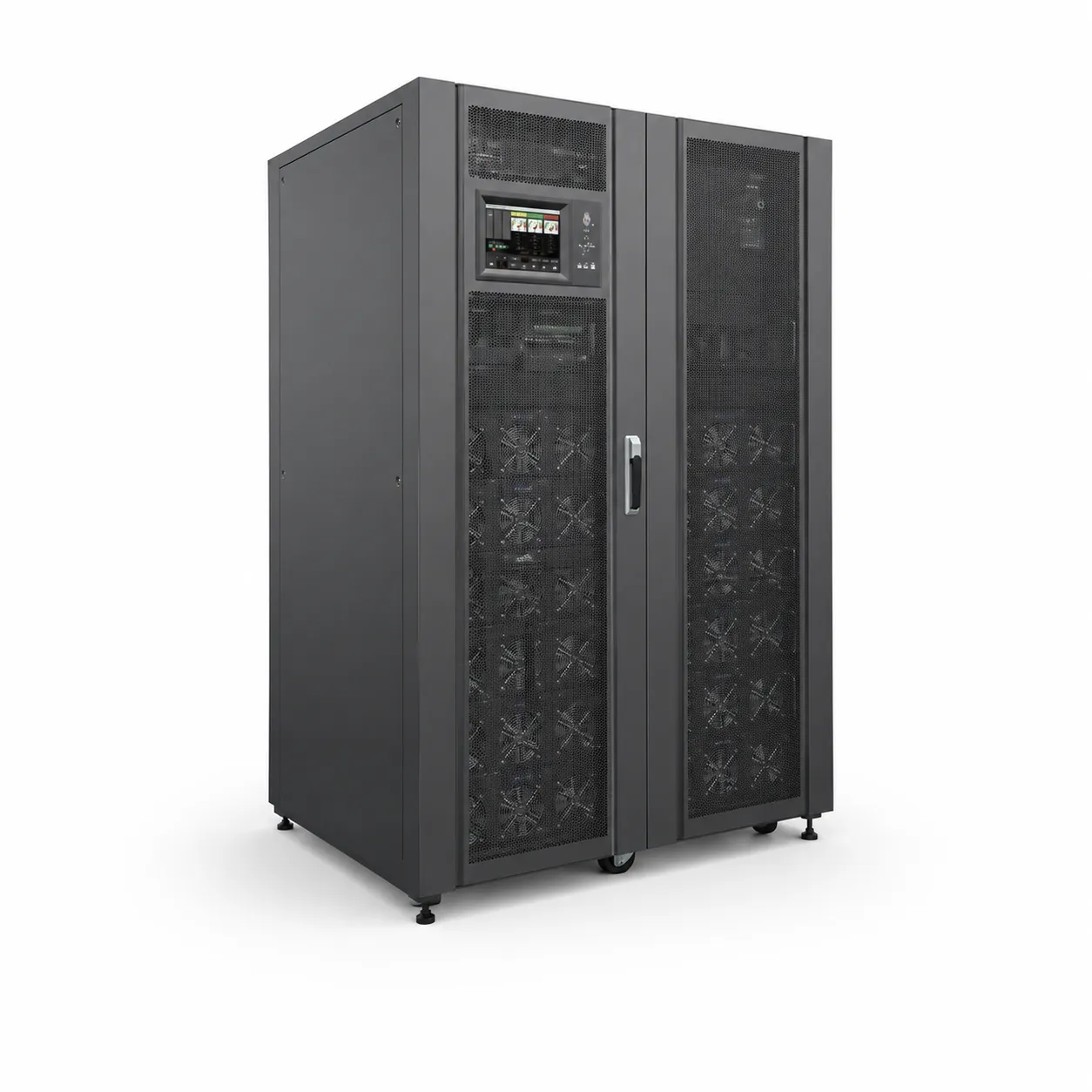
- a three-phase online UPS or a scalable modular UPS for the data centre and main system room
are used together, so a problem in one building does not affect the whole campus.
What Size UPS? A Worked Example (Medium-Sized School)
| Load | Estimated power |
|---|---|
| Server and firewall | 450 W |
| Switches and Wi-Fi (incl. PoE) | 400 W |
| Camera recorder and 16 cameras | 300 W |
| Card access and turnstile control | 100 W |
| Bell and announcement amplifier | 100 W |
| Total | 1,350 W |
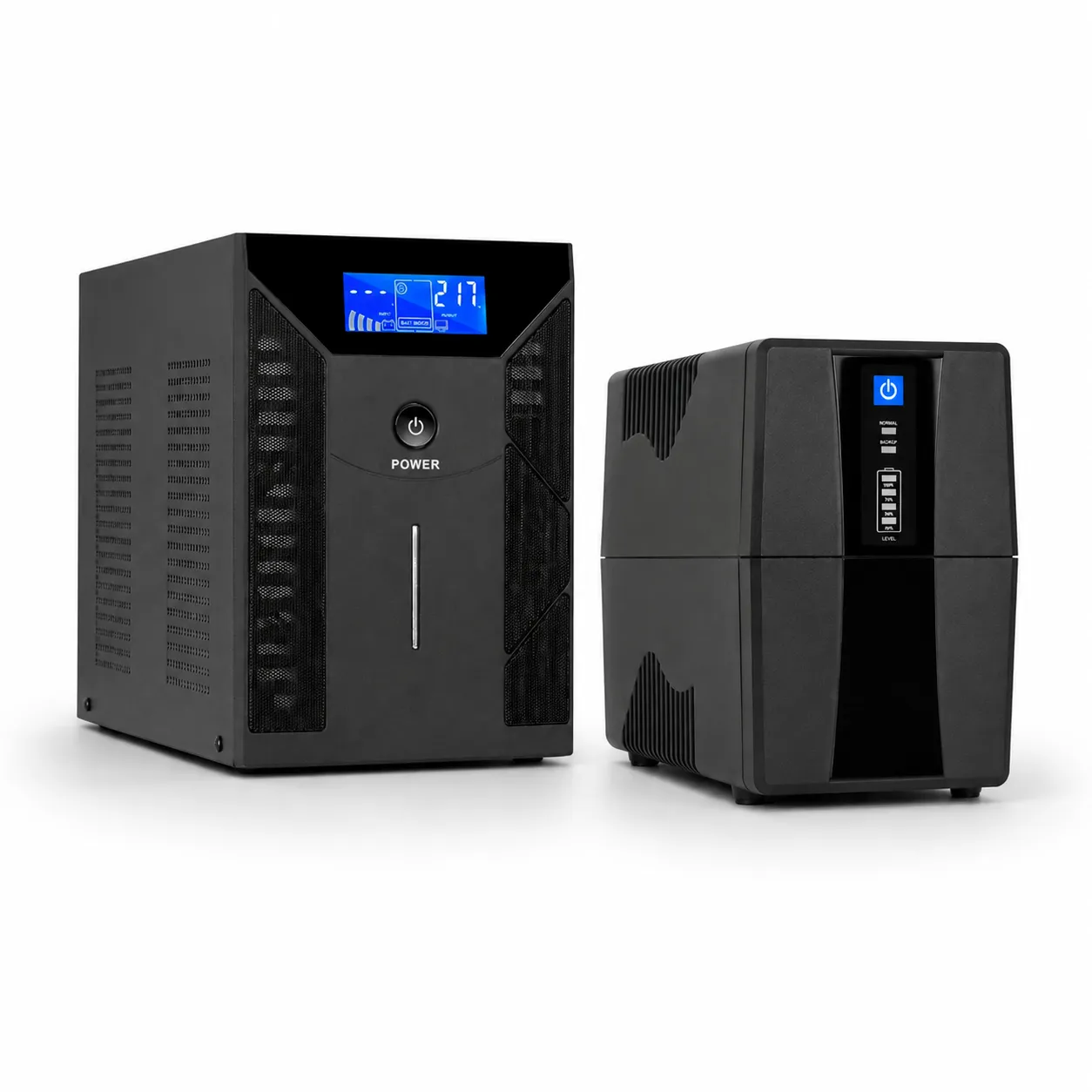
1,350 W ÷ 0.9 = 1.5 kVA; with a 25% safety margin ≈ 1.9 kVA. A 2–3 kVA online UPS suits this school. If the school experiences frequent voltage fluctuations, a voltage regulator on the general supply can also be considered.
Holidays and Battery Life
Even when the school is empty in summer, security cameras and the system room keep running. Outages during this period may go unnoticed, and weak batteries are only discovered in September, at the busiest time. The best time for school maintenance is before the academic year starts. Our technical service team carries out battery tests and general checks on site.
Exam Periods and Online Learning
Computer-based exams, online attendance and distance learning platforms are now part of daily school life. If the computer lab loses power during an exam, students’ answers may be lost and the exam may have to be repeated. A separate UPS circuit is therefore recommended for computer labs used for exams. A lab with 20 computers forms a load of about 3–4 kW and can be protected by an online UPS of around 6 kVA. The exact value should be determined by on-site measurement.
School Security and Emergencies
Outages are among the most sensitive moments for school security. If cameras don’t record, card access doesn’t work and the announcement system goes silent, it becomes harder to reach students and staff in an emergency. Supplying these systems from a UPS means:
- entry and exit can still be controlled during an outage,
- camera recording continues without interruption,
- emergency announcements can be made.
Fire alarm panels usually have their own batteries, which also need periodic checks.
Different Approaches for State and Private Schools
In state schools, the IT cabinet and security systems are usually protected first, focusing a limited budget on the most critical systems. Private schools and colleges also take into account canteen POS systems, school bus tracking, smart classrooms and extensive camera infrastructure. In both cases the right approach is to list the loads first, then set UPS capacity in order of priority. Our site survey and design service can help with this.
Frequently Asked Questions
Do smart boards need to be on a UPS?
Not necessarily; if them shutting down during short outages in class is a problem, small line-interactive UPS units can be used per classroom.
How long should the UPS battery last?
For IT and security systems, 15–30 minutes is enough for most schools. If camera recording should continue longer, external batteries are added.
How can we find out the condition of our school’s existing UPS units?
An on-site battery test and load measurement can report the actual capacity and battery condition of your UPS units.
Where should we start if the school budget is limited?
Protect the IT cabinet and camera recorder first. Then card access, announcements and computer labs can be added in that order.
Can the UPS be installed during school hours?
Installation requires a short power interruption, so it is usually planned for weekends or outside lesson times.
A UPS solution for your school
Tell us the equipment in your system room and the areas you want to protect; together we will choose the right option from rack-type or online UPS solutions. You can call us on 0212 210 75 51 or send an email to elsi@elsi.com.tr.