Contents
- Which Systems Should Be on the UPS?
- What About Lifts and Booster Pumps?
- Which Type of UPS Is Suitable?
- What Size UPS? A Worked Example
- How Long Should the Battery Last?
- Practical Tips for Building Managers
- The Most Common Problems During Outages
- Set-Up in Multi-Block Complexes
- Budget Planning for the Management Board
- Frequently Asked Questions
When the power fails in a residential complex or apartment building, the complaints are predictable: barriers or automatic gates that won’t open, door entry that doesn’t work, dark stairwells and security cameras that stop recording. If the outage happens at night or lasts a long time, residents face both security and comfort problems. The common question from building managers is: what size UPS does the complex need, and which systems should be on it?
In this article we share the priority systems, the right type of UPS and a worked example for choosing an uninterruptible power supply (UPS) for residential complexes, apartment buildings and residences.
Which Systems Should Be on the UPS?
| System | UPS? | Note |
|---|---|---|
| Vehicle barrier and plate recognition | Yes | Vehicles can keep entering and leaving |
| Automatic garden / pedestrian gate | Yes | Calculated separately by motor power |
| Door entry / video intercom system | Yes | Visitor and security communication |
| Camera recorder and cameras | Yes | Recording continues during outages |
| Security booth, modem, card access | Yes | Security staff can keep working |
| Common-area and stairwell lighting (LED) | Partly | Selected circuits can go on the UPS |
| Lift | Separate solution | Lift rescue UPS |
| Booster pump | Usually generator | High motor starting current |
What About Lifts and Booster Pumps?
For lifts, a lift rescue UPS prevents people being trapped during an outage by bringing the car to the nearest floor and opening the doors. If the lift must keep running normally at full load, a generator is needed.
Booster pumps draw a high starting current because of the pump motor. In small buildings they can be supplied by a properly sized online UPS, but in large complexes the booster pump is usually supplied by the generator. The decision depends on pump power and the building’s water tank arrangement.
Which Type of UPS Is Suitable?
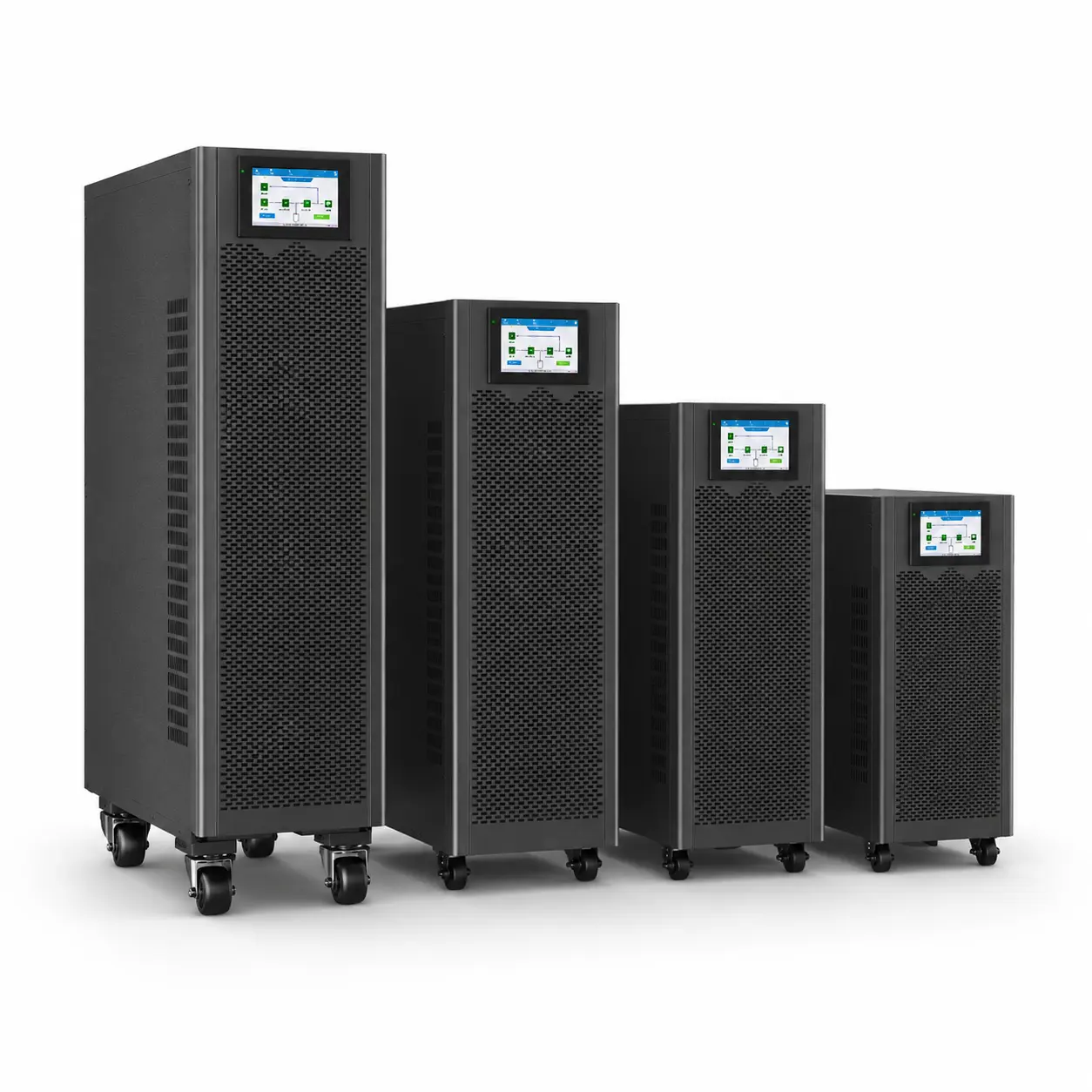
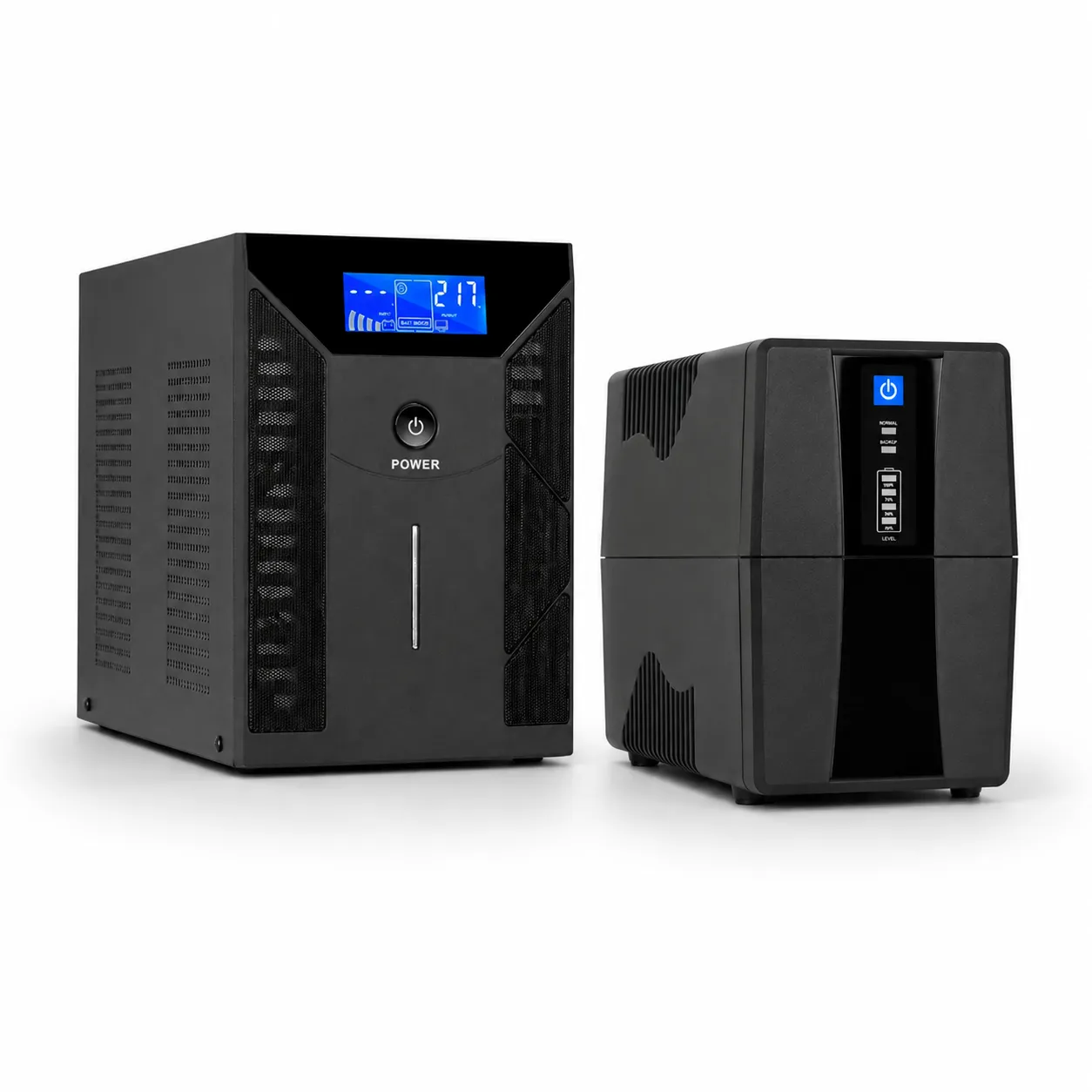
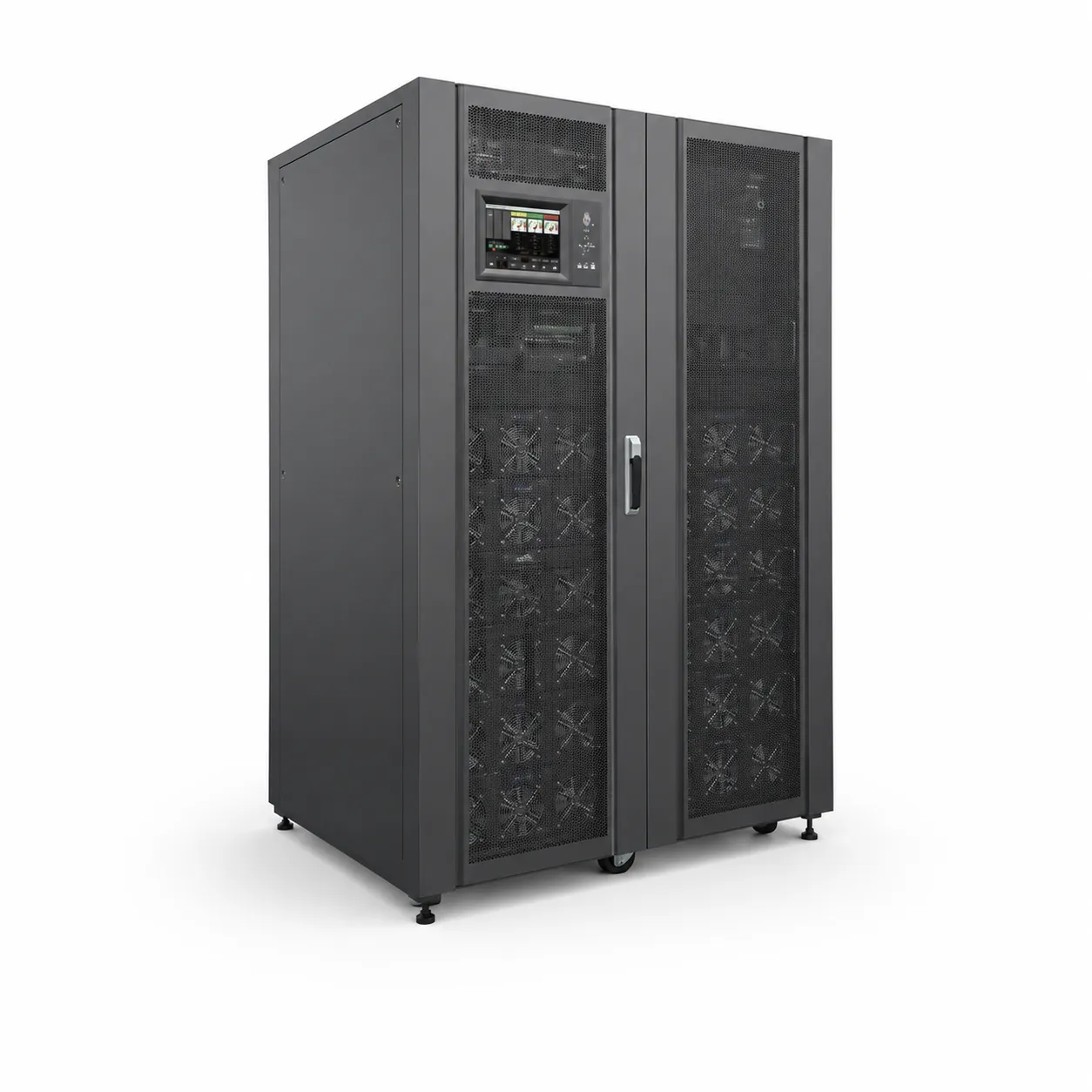
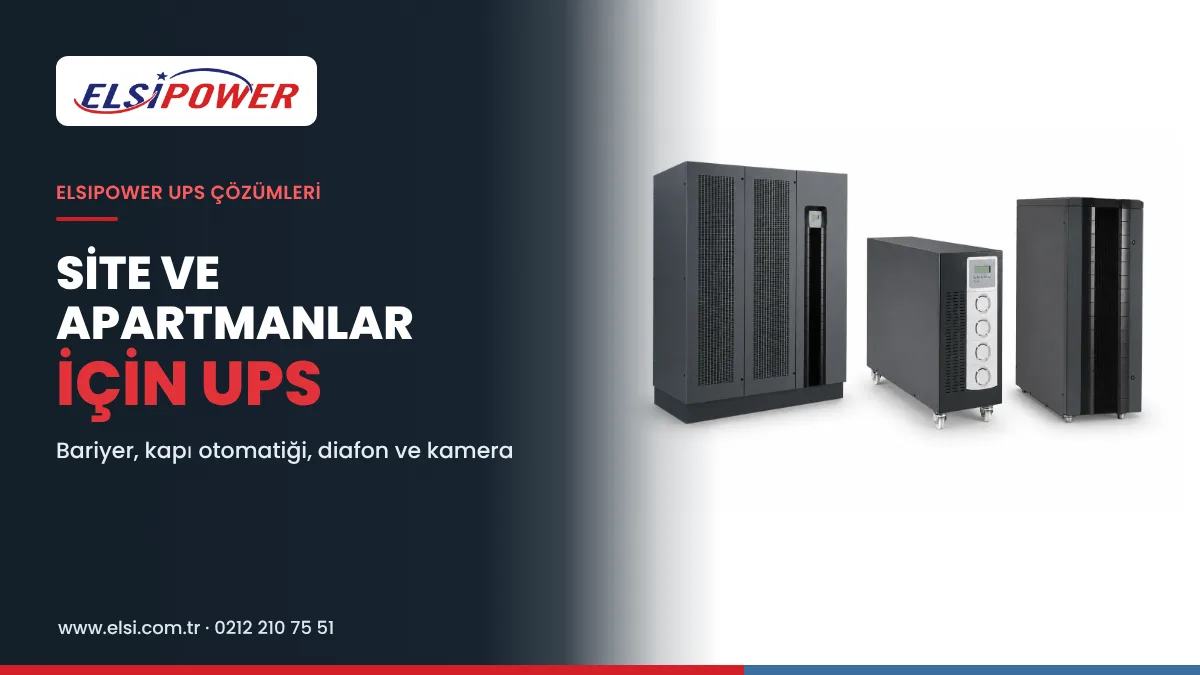
When barrier and gate motors, LED lighting drivers and camera systems are supplied together, clean and uninterrupted power matters. An online UPS is therefore recommended for common systems. In small apartment buildings a 1–3 kVA single-phase online UPS is often enough. In large multi-block complexes, separate UPS units for the security centre and block entrances, or a central three-phase online UPS, can be used.
What Size UPS? A Worked Example
| Load | Estimated power |
|---|---|
| Vehicle barrier | 300 W |
| Automatic garden gate motor | 500 W |
| Video intercom system | 100 W |
| Camera recorder and 16 cameras | 250 W |
| Security booth (modem, PC, card access) | 200 W |
| Stairwell and entrance LED lighting | 200 W |
| Total | 1,550 W |
1,550 W ÷ 0.9 ≈ 1.7 kVA; with a 25% safety margin ≈ 2.2 kVA. A 3 kVA online UPS is a suitable choice for this complex. Because gate and barrier motors can draw high momentary current when starting, leaving a margin in the calculation is important. For the general method see what size UPS should I buy.
How Long Should the Battery Last?
In complexes with a generator, 10–15 minutes of battery time is enough. Without a generator, the aim may be for security systems and entrance gates to run for at least 1–2 hours, for which an external battery bank is added to the UPS. We explain how runtime is calculated in how long a UPS runs.
Practical Tips for Building Managers
- Install the UPS in a ventilated technical room away from rain and flood risk.
- Gather the UPS output circuits in a separate panel so it is clear which systems are on the UPS.
- Include battery renewal every 3–5 years in the budget plan.
- Have a periodic check at least once a year to make sure the UPS is ready for an outage.
The Most Common Problems During Outages
Looking at the complaints building managers receive after an outage, the picture is usually the same:
- Uncontrolled vehicle entry because the barrier stayed open, or queues because it stayed closed,
- Automatic gates that don’t reopen by themselves or lose their settings when power returns,
- Cameras that didn’t record during the outage, and incidents that happened in that window,
- Door-entry systems and camera recorders failing as the power goes on and off.
Most of these problems disappear with a properly sized UPS. Board failures caused by frequent on-off power also decrease thanks to the stable voltage an online UPS provides.
Set-Up in Multi-Block Complexes
In complexes with several blocks, supplying all systems from a single UPS is not always practical because of long cable runs. A common approach is:
- Security centre: A central online UPS for main entrance barriers, camera recorders and security PCs.
- Block entrances: Small UPS units in each block for door entry and door locks.
- Shared facilities: Separate UPS units if needed for the clubhouse, gym and pool control panels.
The right set-up is determined by reviewing the complex’s electrical design and panel layout.
Budget Planning for the Management Board
A UPS investment is not just the purchase of the unit. A sound budget plan considers installation and cabling, an annual periodic check and battery renewal every 3–5 years together. When these items are included in service-charge planning, they become a predictable expense instead of surprise repair costs. Contact us for pricing and a quote.
Frequently Asked Questions
How does the garden gate open during an outage?
If the gate motor and control board are on the UPS, the gate keeps working normally. Without a UPS, the gate can only be opened with the manual release.
Can we put all the complex’s lighting on the UPS?
It is possible, but the UPS and battery capacity become very large. Usually selected circuits such as stairwells, entrances and escape routes are put on the UPS.
Our existing UPS lasts very briefly in an outage. What should we do?
The batteries may be weak, or too much load may have been added to the UPS over time. A battery test and load measurement will clarify the situation.
Does door entry work during an outage?
If the door-entry system and the power supply feeding the in-flat units are on the UPS, it keeps working. With video door entry, check how the flat monitors are powered.
How should we decide between a UPS and a generator for the complex?
A UPS is recommended in every case for critical security and access systems. If full lift operation, booster pumps and extensive lighting are also required, a generator is added; together they form the most secure set-up.
A UPS survey for your complex
Tell us about the barrier, gate, camera and door-entry systems in your complex; with an on-site survey we will determine the right online UPS capacity and battery runtime and plan the installation. You can call us on 0212 210 75 51 or send an email to elsi@elsi.com.tr.