Contents
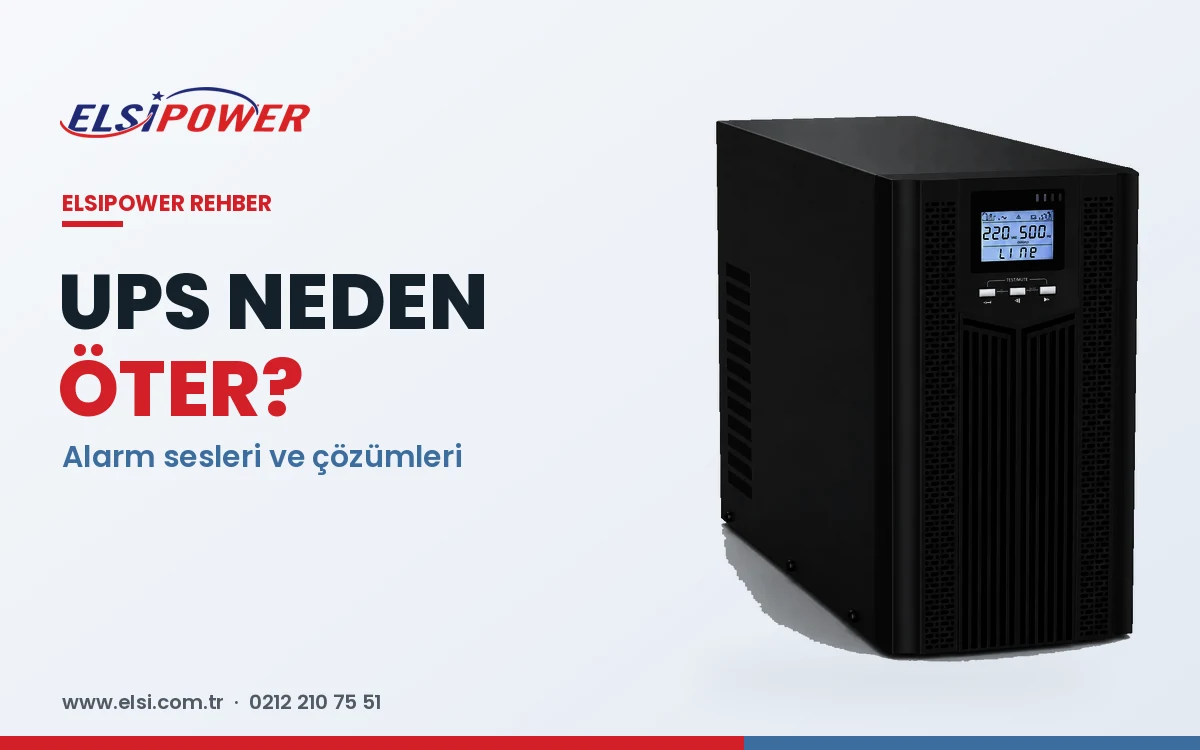
“Why is my UPS beeping?” and “my UPS keeps beeping — what should I do?” are among the most common questions. The beep is not a fault in itself; it is how the UPS tells you about a condition. Reading the beep pattern together with the display or LEDs usually reveals the cause within minutes. Patterns vary by model, so always check your user manual as well.
UPS Alarm Sounds and What They Mean
| Pattern (typical) | Likely meaning | What to do |
|---|---|---|
| Single beep every few seconds | Power outage, running on battery | Normal; save your work if the outage continues |
| Faster, frequent beeps | Battery low, shutdown approaching | Shut down connected devices safely |
| Rapid or continuous beeping | Overload | Disconnect non-essential devices |
| Occasional beep + battery LED | Weak battery / replacement needed | Have the batteries tested |
| Continuous tone + fault LED | Internal fault, overheating or bypass | Shut down the load safely and call service |
1. Beeping During an Outage
This is normal. If beeping continues after power returns, check the wall socket, the circuit breaker / RCD and the UPS input cable and fuse. In areas with very low or high voltage, the UPS may switch to battery frequently; an online UPS or a voltage regulator is a more permanent solution.
2. Overload
Rapid continuous beeping (often “Overload” on the display) means too much load — laser printers, heaters, kettles and hair dryers are typical causes. Remove non-critical devices; if the load is constantly near the limit, move to a larger UPS. Prolonged overload may force the UPS into bypass or shutdown.
3. Weak or Failed Batteries
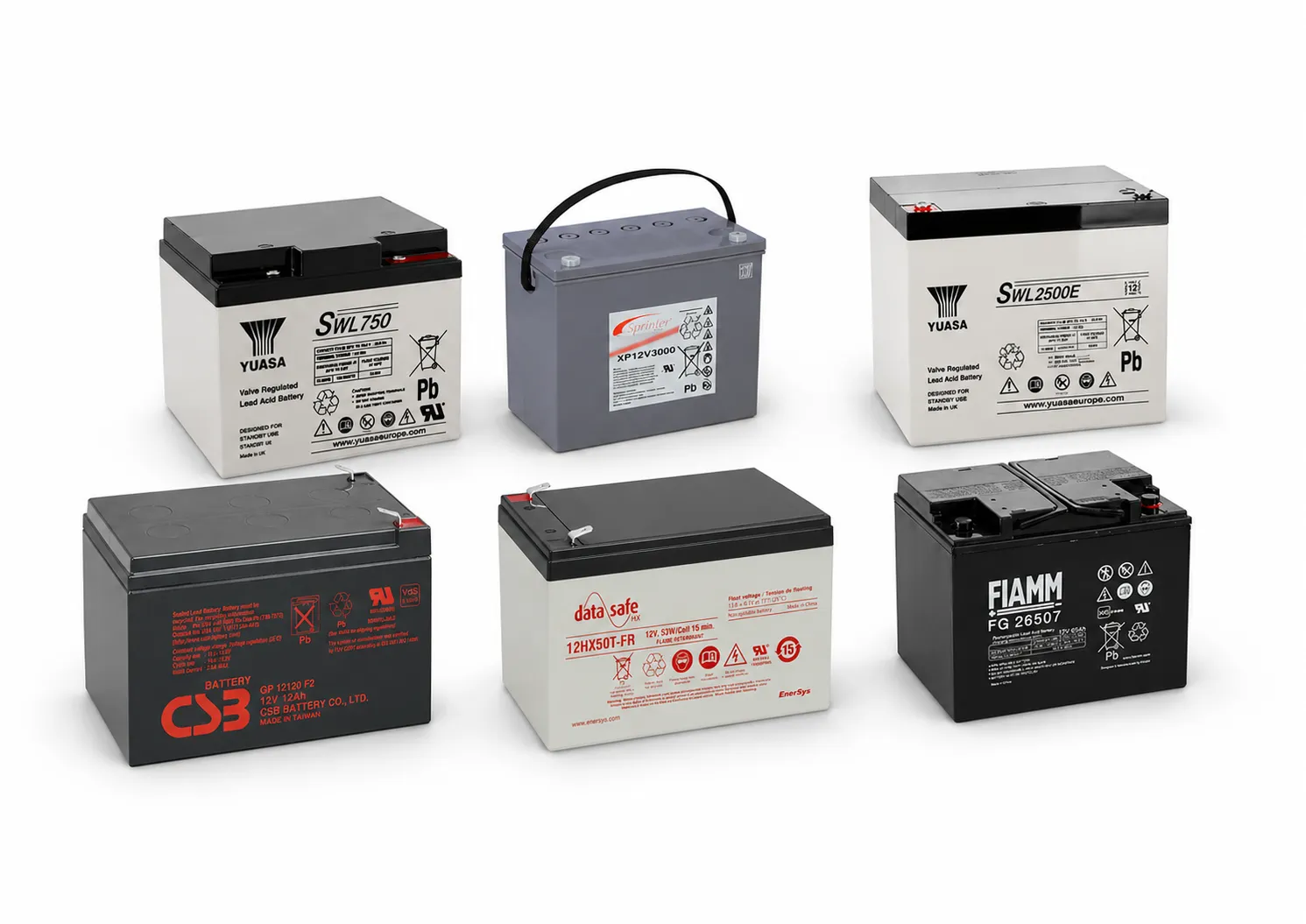
The most common cause. Lead-acid UPS batteries typically last 3–5 years. Signs include a “replace battery” LED, immediate shutdown on short outages, and swollen or hot batteries. Swollen or overheating batteries are a safety risk — switch off the UPS and have it inspected. See when to replace UPS batteries.
4. Overheating and Fan Failure
A UPS placed in an unventilated cabinet, near heat sources or in direct sun will alarm when hot. Leave 10–15 cm of clearance and keep air vents free of dust.
5. Bypass Mode and Internal Faults
“Bypass”, “Fault” or an error code means the load may be fed directly from the mains without protection. See our UPS fault codes guide and contact technical service if it persists.
How to Silence a UPS Alarm
Most units allow a temporary mute via the front-panel button or menu. But silencing does not fix the problem — find the cause first, or your devices may be unprotected at the next outage.
When to Call Technical Service
- Swollen, hot or smelling batteries
- Persistent bypass mode or error codes
- UPS stays on battery while mains power is present
- Fan not working or abnormal noise
- Very short runtime even with new batteries
Frequently Asked Questions
Why does my UPS beep when the power is on?
No power at the socket, a tripped breaker, input voltage outside the accepted range or a battery fault are the usual causes.
Is a beeping UPS dangerous?
The sound itself is a warning. If it comes with swollen batteries, a burning smell or overheating, switch the UPS off and have it checked.
Your UPS keeps beeping and you can't find why?
Tell us the display message or beep pattern and we will help you diagnose it. For battery replacement, repair and maintenance call +90 212 210 75 51 or message us on WhatsApp.