Contents
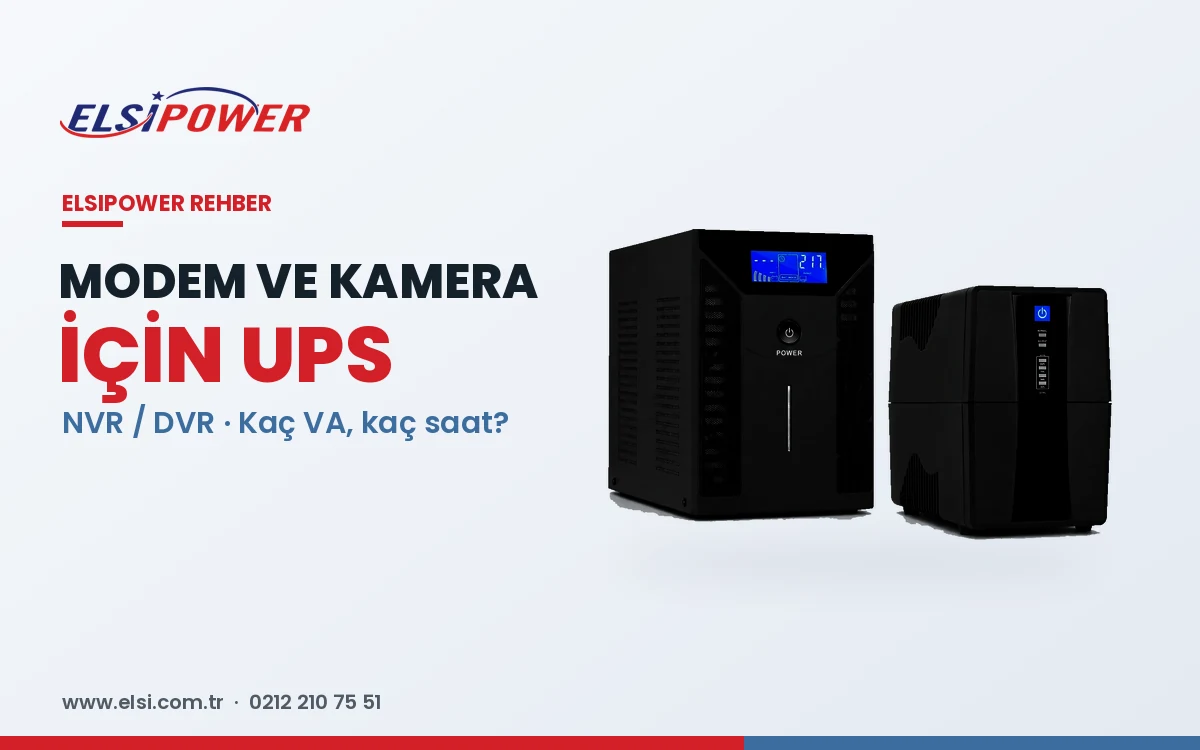
When the power goes out, the internet and security cameras go with it: remote work stops, POS terminals cannot take payments and — worst of all — cameras stop recording exactly when security is weakest. That is why a UPS for your camera system is a basic security measure, not a luxury.
This guide covers choosing a UPS for a modem, for security cameras (NVR/DVR) and for POS devices, with sizing and runtime examples.
How Much Power Do These Devices Draw?
| Device | Typical power |
|---|---|
| Fibre/ADSL modem or ONT | 8–15 W |
| Wireless router / mesh unit | 6–15 W |
| 8-port switch | 5–15 W |
| PoE switch (with cameras) | 4–12 W per camera + 10–20 W |
| NVR / DVR (1–2 drives) | 15–40 W |
| POS terminal / cash register | 10–30 W |
Example: Modem + 8-Camera System
- Modem: 12 W
- PoE switch + 8 IP cameras (8 × 6 W): 15 + 48 = 63 W
- NVR (2 drives): 30 W
Total: about 105 W. A 1 kVA sine-output UPS handles this comfortably; a 1 kVA line interactive UPS with internal batteries typically runs such a load for 1–1.5 hours. For 4–8 hours or more, choose a long-runtime online UPS with external batteries. See how long a UPS runs for the calculation.
Mini DC UPS or a Proper UPS for Your Modem?
Mini DC UPS units that plug into the modem adaptor can work for a single modem for a short time, but they usually power only one device, offer no protection against voltage fluctuations and have limited service options. To protect the modem, router, switch and phone system together, a 650 VA or 1 kVA line interactive UPS is more reliable.
Choosing a UPS for an NVR/DVR Camera System
- Protect the whole chain: NVR, PoE switch, modem and camera adaptors — protecting only the NVR is useless if the cameras switch off.
- Prefer sine output for longer adaptor and drive life.
- Set a runtime target based on typical outage length in your area.
- Protect the drives: sudden shutdowns cause lost recordings and drive failures.
- Location: a ventilated, lockable cabinet together with the NVR.
UPS for POS and Checkout Systems
In shops, pharmacies and restaurants, the POS terminal, cash register, barcode scanner, modem and checkout PC can share one UPS — usually a 1–2 kVA line interactive unit. Do not connect laser printers, which draw high inrush power.
Frequently Asked Questions
What size UPS do I need for a modem?
650 VA is more than enough for a modem and router and can run them for several hours. Choose 1 kVA if a switch, phone system or PC is added.
How do I connect PoE cameras to a UPS?
PoE cameras are powered through the PoE switch, so plugging the switch into the UPS is enough.
Let us size the UPS for your modem and camera system
Send us your camera count, NVR model and required runtime, and we will recommend the right ELSIPOWER UPS. +90 212 210 75 51 · WhatsApp