Contents
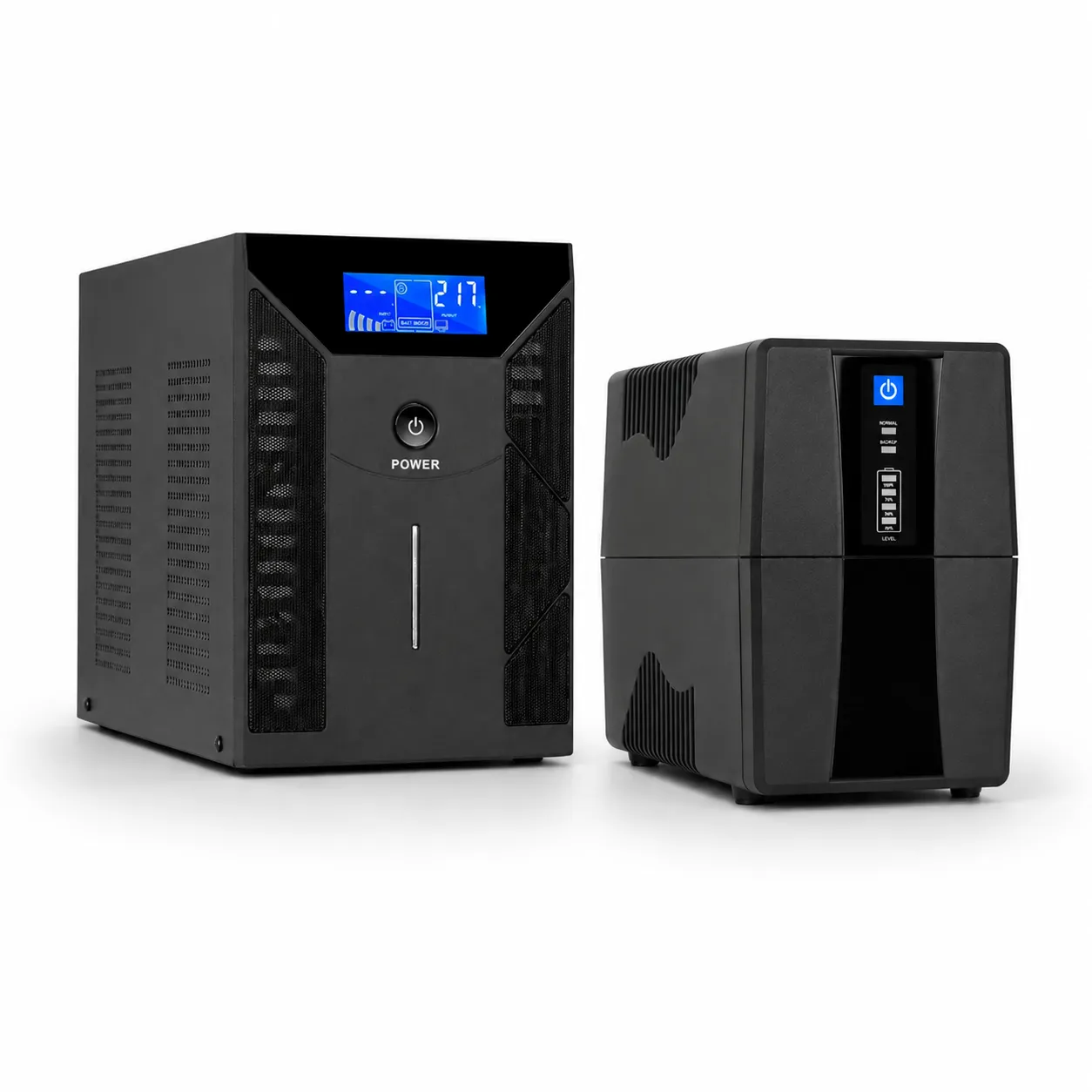
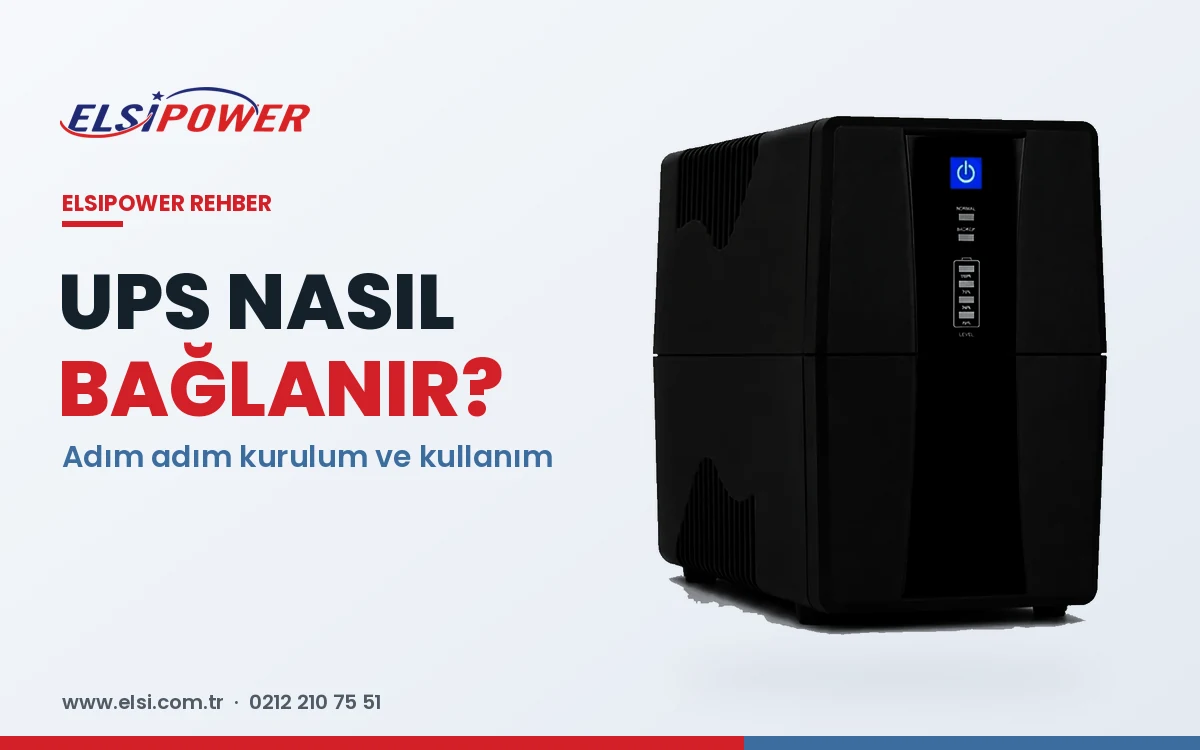
You have a new UPS — so how do you connect and use it? Installation usually takes minutes, but skipping the first charge, plugging into the wrong socket or connecting unsuitable devices can leave you unprotected at the first outage. This guide covers step-by-step installation, connecting a PC, modem and camera system, good-practice tips and how larger UPS systems are installed.
How to Connect a UPS: Step by Step
- Location: a flat, dry, ventilated spot out of direct sunlight, with 10–15 cm clearance.
- Battery connection: some models ship with the battery disconnected — connect it if the manual says so.
- Earthed wall socket: plug the UPS directly into an earthed wall socket, not an extension or surge strip.
- First charge: charge for at least 6–8 hours.
- Switch on and check the mains indicator.
- Connect your devices to the UPS output sockets.
- Test by unplugging the UPS and confirming the devices keep running.
What Can and Can't Be Connected
| Suitable | Not suitable |
|---|---|
| PC and monitor | Laser printers and copiers |
| Modem, router, switch | Heaters, kettles, water heaters |
| NVR/DVR and cameras | Irons, hair dryers |
| Combi boiler (with a sine UPS) | Air conditioners and large motors (unless sized for them) |
| POS terminal, cash register | Anything exceeding UPS capacity |
Connecting a UPS to a Computer
Plug the PC and monitor into the UPS outputs. If the UPS has a USB or RS232 cable, connect it and install the monitoring software so the PC shuts down safely before the battery runs out.
Connecting Cameras and a Modem
Plug the modem, router, PoE switch and NVR adaptors into the UPS. PoE cameras are powered via the switch. See choosing a UPS for modems and cameras for sizing.
Large UPS Systems and External Batteries
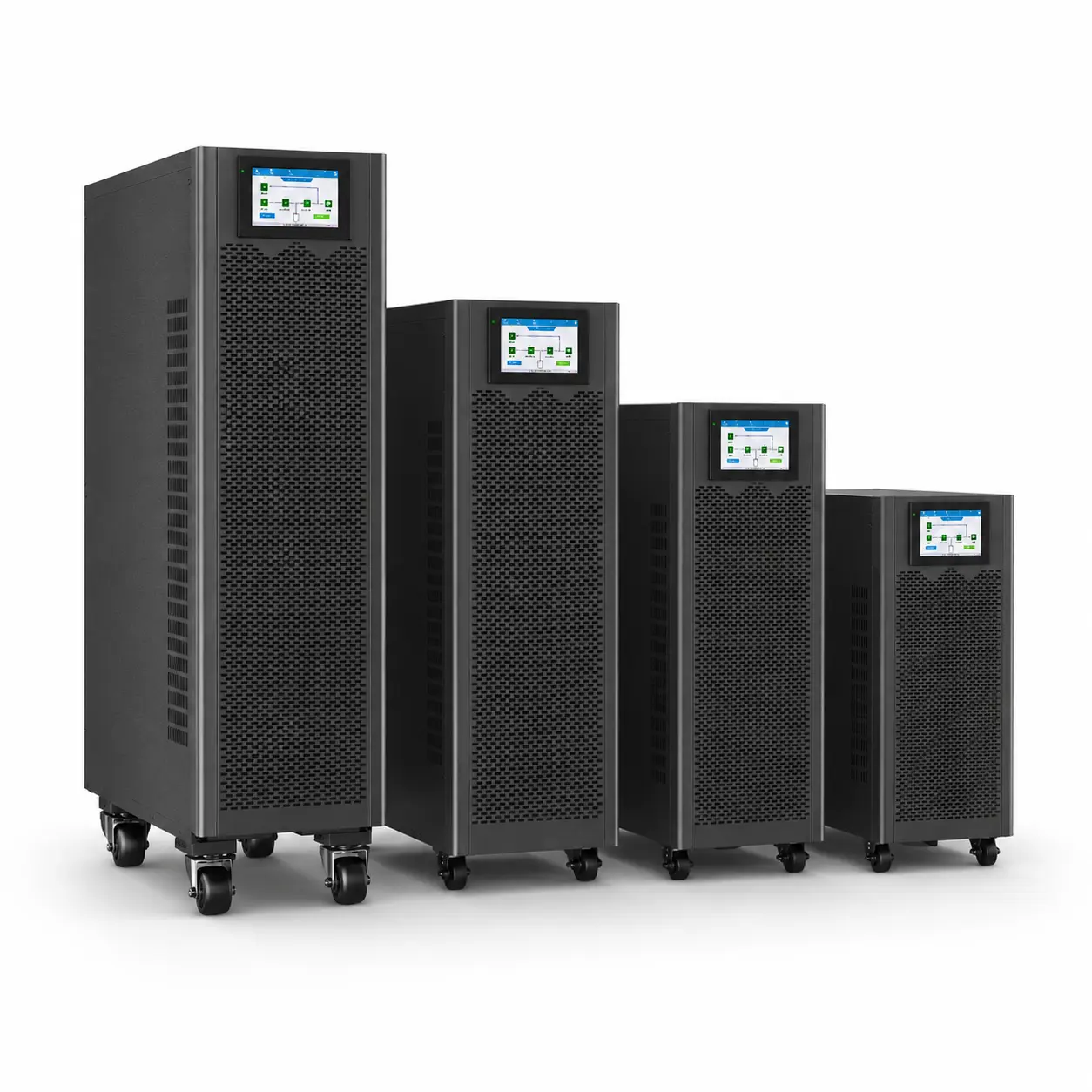
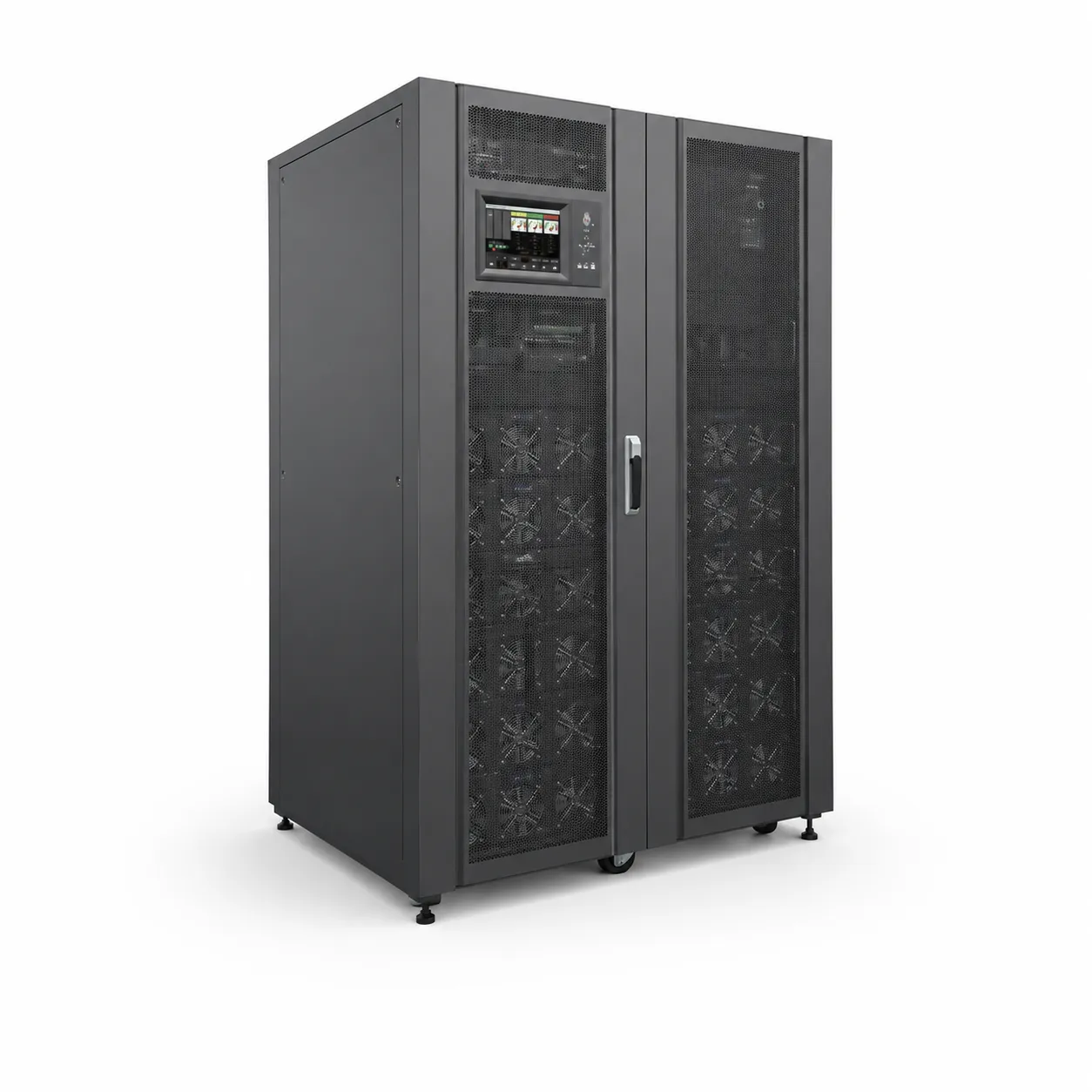
Online, three-phase and modular UPS systems and long-runtime models with battery cabinets are hard-wired to the distribution board with correctly sized cables and protection, battery polarity and fusing, maintenance bypass and generator compatibility — installation must be carried out by qualified technicians.
8 Tips for Correct Use
- Leave the UPS plugged in to keep batteries charged.
- Keep the load below 70–80% of capacity.
- Don't feed the UPS from a power strip or extension.
- Save your work when the outage alarm sounds.
- Recharge batteries periodically if the UPS is stored.
- Keep vents clear and clean in dusty areas.
- Have the batteries tested at least once a year.
- If alarms persist, see why is my UPS beeping.
Installation and commissioning support
For large UPS installations, external battery connections or a check of your existing UPS, contact our technical service team. +90 212 210 75 51 · WhatsApp