Contents
The most common service need for Delta-brand UPS units is battery replacement. Even if the unit runs without problems for years, batteries have a limited life, and one day you notice during a power cut that the UPS no longer lasts as long as expected. Besides batteries, fan failures, overload, staying in bypass mode and charging problems are also common.
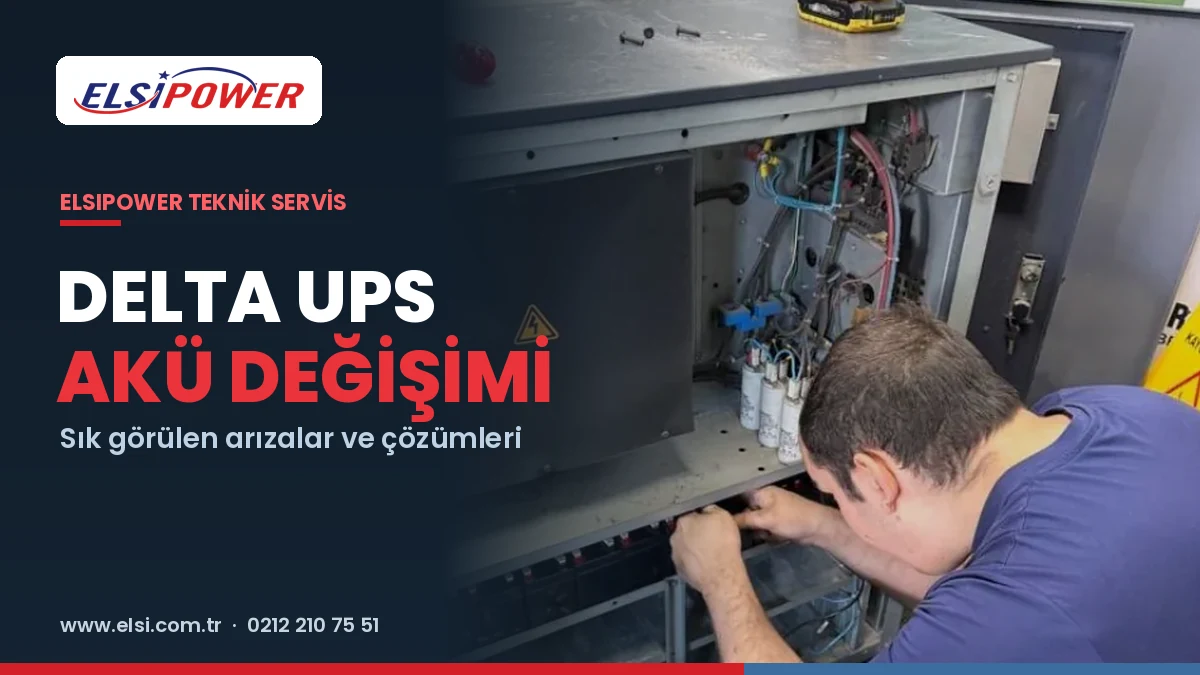
In this guide we explain in plain language what to watch for during Delta UPS battery replacement, the common fault symptoms and what you can do in these situations. The information is based on general principles of UPS technology; for a diagnosis specific to your unit, measurement and testing are always required.
When Should a Delta UPS Battery Be Replaced?
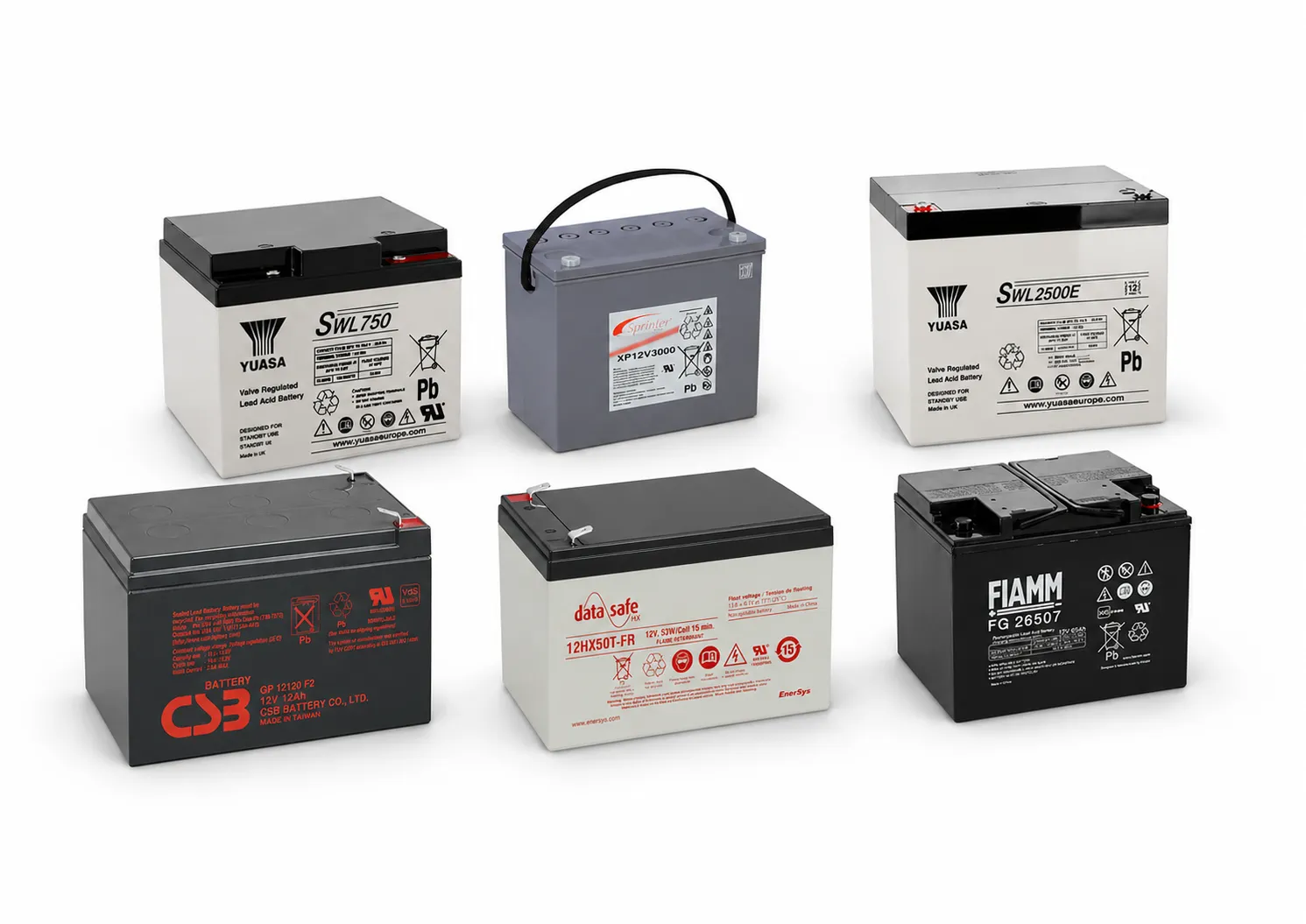
Delta UPS units generally use maintenance-free sealed (VRLA / AGM) batteries. These batteries lose capacity over time and eventually can no longer carry the load. The main signs that battery replacement is needed are:
- A battery warning or failed battery test on the display,
- Backup time during a power cut becoming noticeably shorter,
- The UPS shutting down immediately at an outage,
- Swelling, leakage or overheating of the batteries,
- The battery indicator not filling even after a long time on mains.
The main factor affecting battery life is ambient temperature. Batteries operating in hot environments wear out much faster. We explain how to tell when it is time to replace batteries in our article when should UPS batteries be replaced.
What to Watch During Delta UPS Battery Replacement
| Rule | Why it matters |
|---|---|
| Use the same voltage and battery type | The charging circuit is set for a specific battery type |
| Size and terminal type must match | Batteries must sit securely in the compartment or cabinet |
| Replace all batteries in the string together | Mixing old and new batteries shortens the life of the string |
| Keep the connection order | Incorrect connection can cause serious faults |
| Charge and test after replacement | Confirm the new batteries work correctly under load |
In high-power Delta UPS units, batteries are arranged in series-connected strings, inside the unit or in external battery cabinets. Because these strings carry high DC voltage, battery replacement must be carried out by competent technical personnel. You can browse suitable battery options on our VRLA / AGM battery page.
Common Faults in Delta UPS Units and Their Possible Causes
1. Battery warning and short backup time
This is the most common problem. It is usually caused by aged batteries; however, a charging circuit fault or loose connections can produce the same symptom. If the problem continues after new batteries are fitted, the unit's charging system should be checked. We cover this separately in our article UPS battery not charging.
2. The UPS staying in bypass mode
When a UPS detects a fault, overload or overheating, it may switch to bypass mode to protect the load. In this mode the load is fed directly from the mains and the UPS provides no protection. If the unit does not return to normal mode by itself, the cause must be identified.
3. Overload warning
Over time, added equipment can push the connected load beyond the UPS capacity. Overload causes the unit to switch to bypass or shut down during an outage. The load should be measured and capacity needs reassessed.
4. Fan failures and overheating
Fans are among the hardest-working parts of a UPS and wear out over time. A failed fan or ventilation channels clogged with dust cause the unit to overheat and electronic components and batteries to wear out quickly. That is why checking and cleaning the fans is important in periodic maintenance.
5. Ageing electronic boards and capacitors
In UPS units that have been running for many years, capacitors lose capacity. This can make the unit unstable, cause alarms or take it out of service entirely. We explain the role of capacitors in our article AC and DC capacitors in UPS systems.
Checks You Can Do Yourself
- Note or photograph the warning on the display and any error code.
- Review the equipment connected to the UPS; check whether any high-power device has been added.
- Make sure the unit's air inlets and outlets are clear and the room is not too hot.
- If the batteries show swelling, leakage or odour, switch the unit off and do not use it.
- Do not open the UPS or work on battery connections yourself.
This information allows the technical service to make a preliminary assessment and arrive properly prepared.
Repair or New UPS?
Repairing every faulty unit is not always economical. The following questions help with the decision:
- How many years has the unit been running, and what repairs has it had before?
- Are parts available for the faulty component?
- Does the current UPS capacity meet your needs today?
- Would a more efficient unit reduce your operating costs?
Where repair does not make sense, we help you replace your unit with a suitable uninterruptible power supply. To determine the right size, see our guide how many kVA UPS do I need.
What to Do After Battery Replacement
Battery replacement does not end with fitting the batteries. To get the most from new batteries, the following steps are important:
- Initial charge: Give the UPS enough time to fully charge the new batteries.
- Test under load: Once charged, a controlled test should confirm backup time and transfer behaviour.
- Check settings: On some models the battery replacement date or battery string information can be updated in the unit's menu; make sure these settings are correct.
- Keep records: Note the replacement date and details of the fitted batteries. This record makes planning the next maintenance and replacement easier.
- Recycle old batteries: Used batteries should be handed in for recycling so they do not harm the environment.
Tips to Extend Battery Life
- Run the UPS in a cool, well-ventilated environment; high temperature significantly shortens battery life.
- Do not run the UPS at the limit of its capacity; a high load discharges the batteries more deeply.
- After long outages, allow time for the batteries to fully recharge.
- For external battery cabinets, have the connections and cabinet ventilation checked regularly.
- Use periodic battery tests to detect weakening batteries before an outage occurs.
Frequently Asked Questions
Can I fit batteries of another brand in my Delta UPS?
Yes. What matters is not the battery brand but that the voltage, type, size and terminal design meet the unit's requirements. All batteries in a string must be the same brand, capacity and age.
My Delta UPS is permanently in bypass mode. Can I keep using it?
In bypass mode the load is fed directly from the mains and there is no protection against outages. If the unit stays in this state, the cause should be identified as soon as possible.
How long does battery replacement take?
It depends on the unit's power and the number of batteries. On small units it is completed quickly, while for large battery strings the work is planned around the business's operating schedule.
Do you replace Delta UPS batteries on site?
Yes. Depending on the unit's size and location, battery replacement can be done on site or in our workshop. For large battery strings, the work is planned around your business's operating schedule.
Contact us for Delta UPS battery replacement and fault diagnosis
Send us your unit's model and power rating, a photo of the battery label and the warning on the display; let's determine suitable battery options and a service plan together. You can call us on 0212 210 75 51 or send an email to elsi@elsi.com.tr.