Contents
- Why Does a UPS Shut Down Immediately During an Outage? Quick Summary
- 1. The Battery May Have Reached the End of Its Life
- 2. The Batteries May Not Be Fully Charged
- 3. More Equipment Than the UPS Can Handle May Be Connected
- 4. Battery Connections, Fuse or Cables May Be Faulty
- 5. Ambient Temperature and Ventilation
- 6. The UPS Itself May Be Faulty
- How Does the UPS Type Affect Behaviour During an Outage?
- Simple Checks You Can Do Yourself
- Recommendations to Prevent the Problem from Recurring
- Frequently Asked Questions
“My UPS shuts down as soon as the power goes out” is one of the most common complaints from uninterruptible power supply users. Normally, a UPS switches to battery the moment mains power is lost and keeps connected equipment running for a while. If the screen goes dark, the computer turns off or the cameras stop recording right at the outage, something in the system is not working as it should.
The good news is that the causes of this problem are well known, and most of them can be fixed easily with the right diagnosis. In this guide we explain, step by step, the most common reasons a UPS shuts down immediately during an outage, simple checks you can do yourself, and when you should contact technical service.
Why Does a UPS Shut Down Immediately During an Outage? Quick Summary
A UPS shutting down at the moment of an outage usually falls into one of three groups: battery-related problems, load-related problems and faults in the unit itself. The table below helps you quickly see the most likely cause based on the symptom.
| Symptom | Likely cause | First step |
|---|---|---|
| Goes completely dark at the outage, battery light is on | Battery has reached end of life | Have the battery tested |
| Lasts a few seconds, then shuts down | Weak or not fully charged battery | Leave it on mains to charge, then test |
| Shuts down with an “Overload” warning | Overload | Reduce connected equipment |
| Shuts down even after new batteries were fitted | Connection, fuse or charging circuit | Service inspection |
| Error code on display, fan stops | Internal fault (inverter / board) | Stop using the unit and contact service |
1. The Battery May Have Reached the End of Its Life
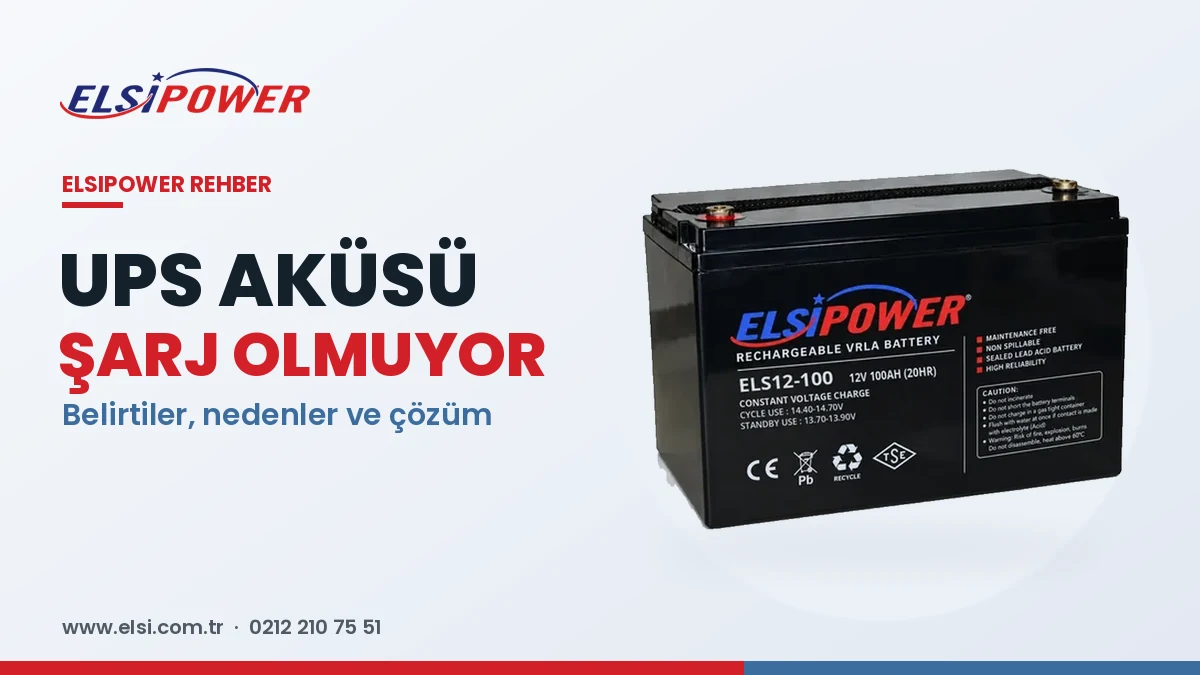
By far the most common reason for an immediate shutdown is aged batteries. The maintenance-free sealed (VRLA / AGM) batteries used in UPS systems wear out chemically over time. While mains power is present the UPS looks normal, and the display may even show a full battery; but under real load the battery cannot hold its voltage and the UPS shuts down within seconds.
The main factors that determine battery life are:
- Ambient temperature: Batteries operating in hot environments wear out much faster.
- Outage frequency: Frequent and deep discharges shorten battery life.
- Age: Even without outages, a battery loses capacity over time.
- Charging conditions: Incorrect or insufficient charging leads to early battery failure.
For battery-related shutdowns the solution is usually to replace the batteries. We explain the signs that point to battery replacement in detail in our guide when should UPS batteries be replaced.
2. The Batteries May Not Be Fully Charged
In a newly purchased UPS, or right after a long outage, the batteries may not yet be charged. In that case the UPS runs much shorter than expected at the next outage or shuts down immediately. With new units, allow the UPS to stay on mains for a while to charge its batteries before first use.
If the batteries do not charge even after a long time on mains, the problem may be in the charging circuit or the battery itself. We cover this separately in our article UPS battery not charging.
3. More Equipment Than the UPS Can Handle May Be Connected
While mains power is present, some UPS units feed part of the load directly from the grid; the real load test happens at the moment of the outage. That is why an overloaded UPS can look fine while power is on and then shut down to protect itself as soon as the outage occurs. An “Overload” warning on the display or a fast, continuous alarm is a typical sign.
The most common causes of overload:
- Plugging high-power devices such as laser printers, heaters or kettles into the UPS,
- Total load exceeding the UPS capacity as new equipment is added over time,
- The high inrush current drawn by motor-driven devices at start-up.
You can reduce the load to see whether the problem goes away. If the load has genuinely grown, you need to move to a higher-capacity model. To determine the right size, see our guide how many kVA UPS do I need.
4. Battery Connections, Fuse or Cables May Be Faulty
When a UPS still shuts down during an outage even after a battery replacement, the cause is often the connections. A loose terminal, an oxidised connector, a battery string connected in the wrong order or a blown battery fuse prevents the UPS from drawing energy from the batteries.
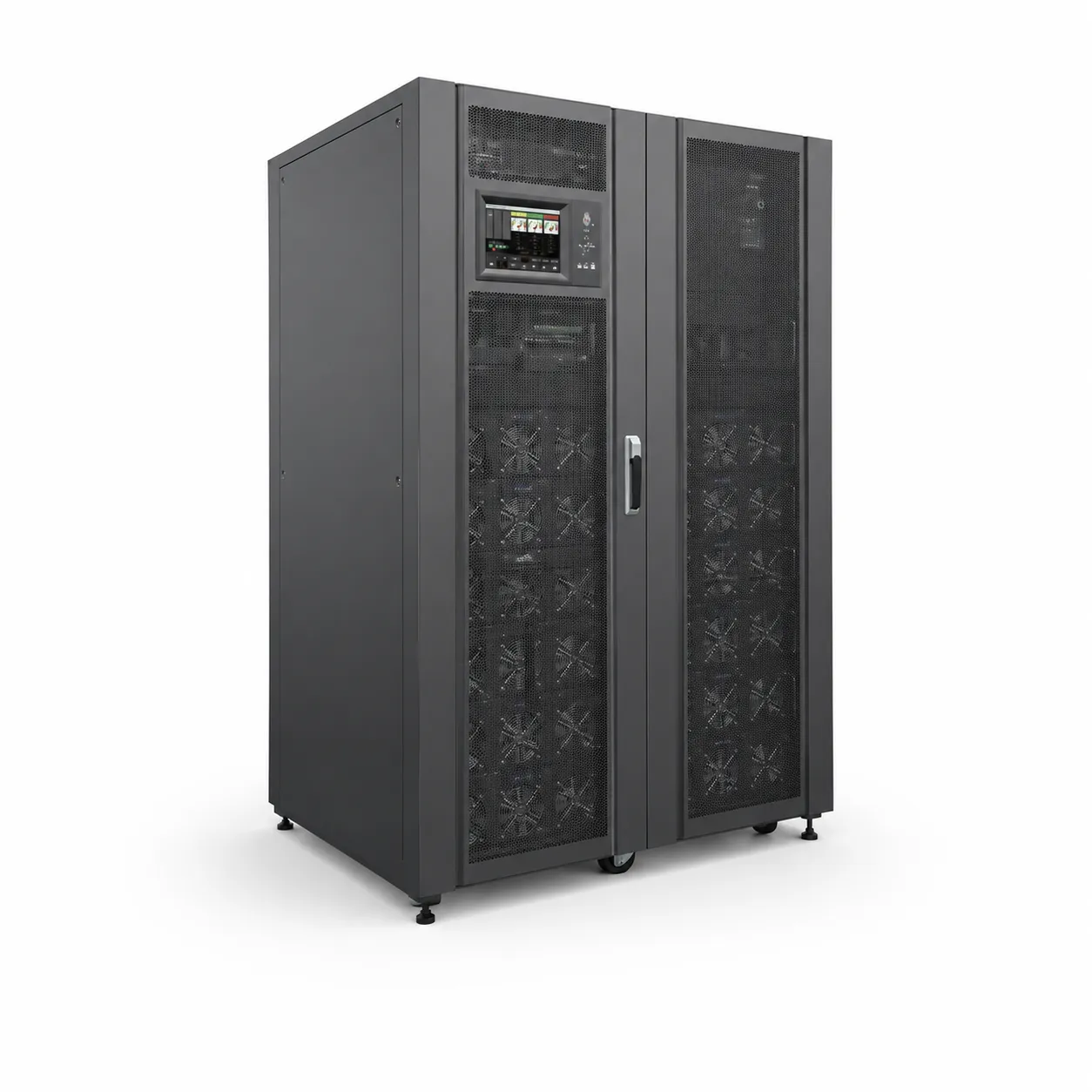
In high-power UPS systems and external battery cabinets, several batteries are connected in series. In these strings, even a single weak battery reduces the performance of the whole string. That is why battery strings should always be replaced together, with batteries of the same brand, the same capacity and the same age.
Safety warning: Battery connections may carry high DC voltage. Only authorised technical personnel should work on battery strings and the inside of a UPS.
5. Ambient Temperature and Ventilation
A UPS placed in a closed cabinet, in front of a sunny window or next to heat-generating equipment will heat up. A hot battery wears out faster and cannot deliver the expected performance during an outage. Some models shut down to protect themselves when they overheat.
- Do not block the UPS air inlets and outlets,
- Leave enough clearance around the unit,
- In dusty environments, have the fans and ventilation channels cleaned regularly.
6. The UPS Itself May Be Faulty
If the battery is healthy, the load is normal and the connections are correct but the UPS still shuts down at the outage, the problem is inside the unit. A fault in the inverter stage, control board, relay or charging circuit can prevent the UPS from switching to battery. An error code on the display, the unit staying permanently in bypass mode or an abnormal noise at the outage are signs of this kind of fault.
You can find what error codes mean in our article UPS error codes and their meanings. Continuing to use a unit with an internal fault leaves connected equipment unprotected; in that case you need technical service support.
How Does the UPS Type Affect Behaviour During an Outage?
Not every UPS reacts to an outage in the same way. Knowing your unit's type helps you understand whether what you see is normal behaviour or a fault.
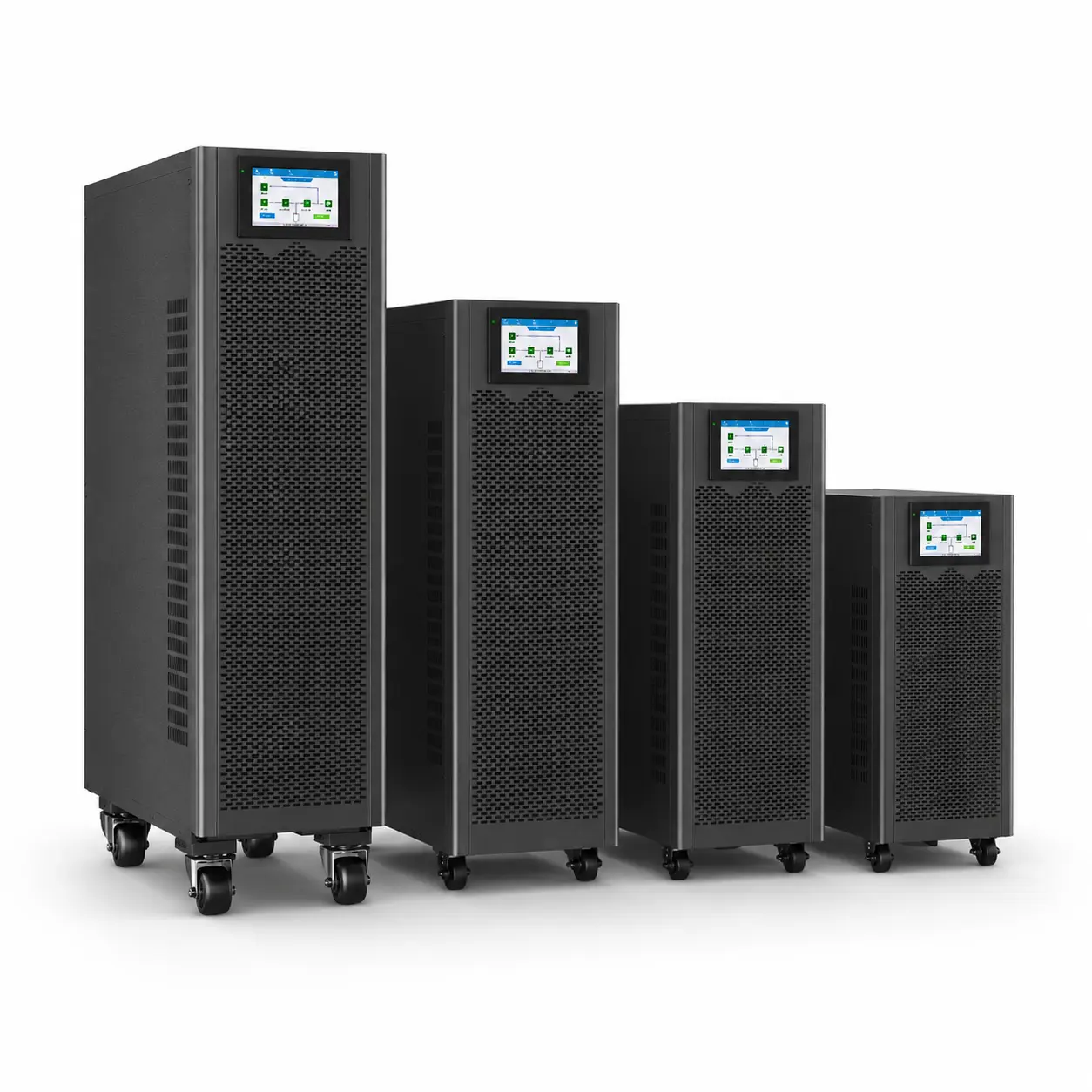
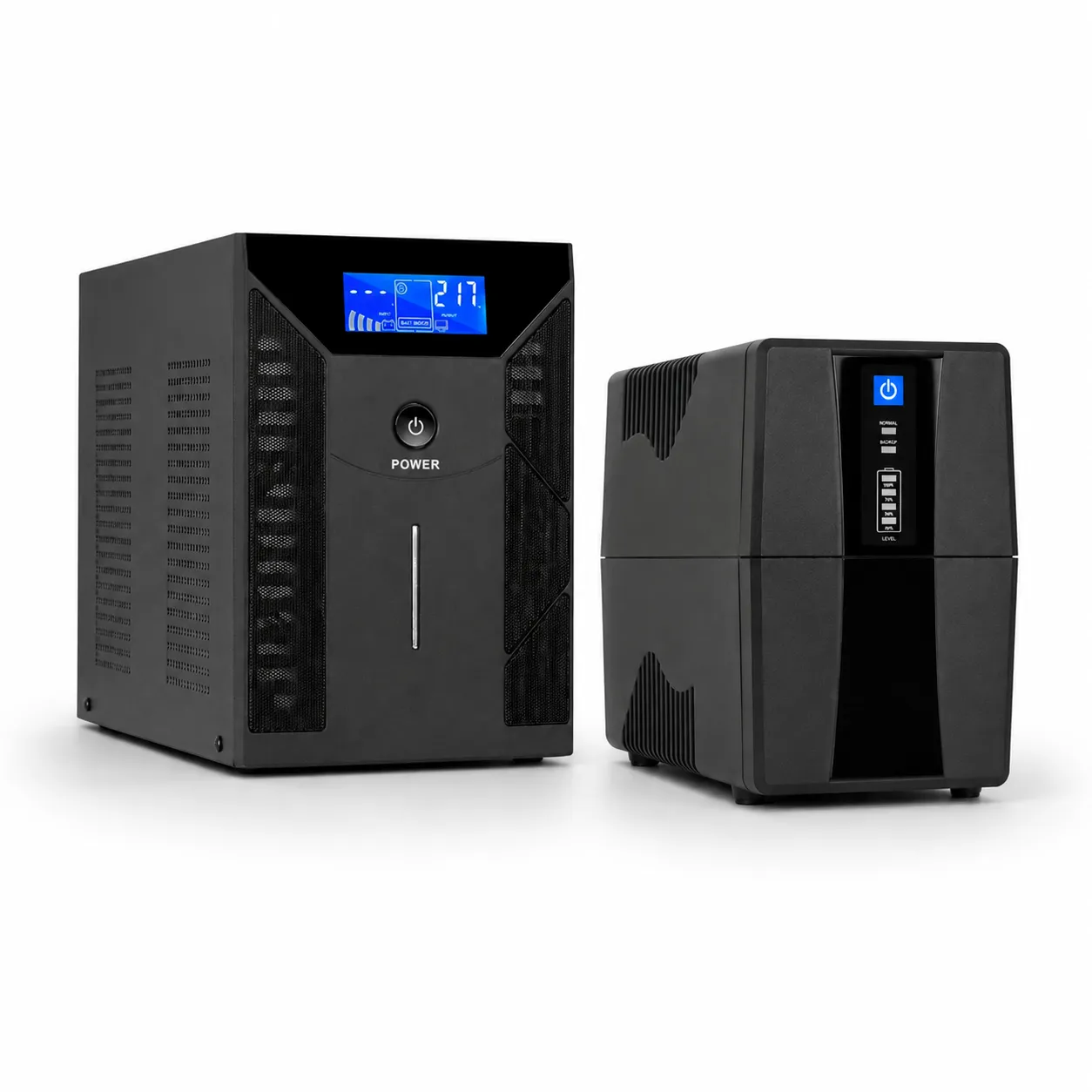
- Line interactive UPS: While mains is present it feeds the load from the grid with voltage correction; when an outage occurs it switches to battery within a very short time. It suits computers, modems and small office equipment. Some sensitive power supplies may switch off during the transfer; this is seen especially with older or low-quality computer power supplies.
- Online (double conversion) UPS: Because the load is fed through the inverter at all times, there is no transfer at the outage. If this type of UPS shuts down during an outage, the cause is almost always the battery, the load or an internal fault.
- Economy models with square-wave output: Some devices, especially computer power supplies with active PFC and motor-driven equipment, may not work properly with square-wave output. In that case the connected device may switch off even though the UPS is running.
We compare the differences in detail in our article online UPS vs line interactive UPS. If you do not want to take any risk at the moment of an outage in a critical system, an online UPS is the right choice.
Simple Checks You Can Do Yourself
- Read the display and indicators: Note whether there is a battery, overload or fault warning.
- Reduce the load: Disconnect non-critical equipment and see whether the problem continues.
- Allow time to charge: Leave the UPS on mains for a while to charge the batteries.
- Check the environment: Is the unit getting hot, are the vents clear?
- Look at the batteries: If there is swelling, discolouration, odour or leakage, switch the UPS off and do not use it.
If these checks do not solve the problem, it is best to have the cause identified by measurement rather than guessing. The real condition of a battery under load can only be understood with proper test equipment.
Recommendations to Prevent the Problem from Recurring
- Have periodic maintenance done: Regular battery testing reveals problems before an outage happens. For details, see why UPS maintenance matters.
- Choose the right capacity: Do not run the UPS at its limit; leave some headroom.
- Consider an online UPS for critical loads: For servers, medical devices and automation systems, an online UPS feeds the load through the inverter at all times, so there is no transfer at the outage.
- Use external batteries if you need long backup: On suitable models, an external battery string can be added for longer runtime.
Frequently Asked Questions
My UPS is new but shuts down during an outage. Why?
The batteries may not be fully charged yet, or more load than the UPS capacity may be connected. Let the unit charge on mains for a while, reduce the load and try again. If the problem continues, have the unit checked.
I replaced the battery but the UPS still shuts down immediately. Why?
Loose or reversed battery connections, a blown battery fuse, an incompatible battery or a fault in the UPS charging circuit are the most likely causes. In this case a technical service inspection is needed.
The UPS works on mains but shuts down at an outage; is the battery bad?
That is the most likely cause, but not the only one. Overload and connection problems give the same symptom. Testing the battery under load shows the definitive result.
My computer is on the UPS but still turns off during an outage, even though the UPS seems to be working?
This is usually related to the UPS output waveform or transfer time. Some computer power supplies cannot tolerate the brief transfer moment or a square-wave output. A UPS with pure sine wave output usually eliminates this problem.
Is connected equipment damaged when the UPS shuts down during an outage?
A sudden shutdown can cause loss of open files, data loss on recorders and software errors on some systems. That is why it is important to fix the problem without delay.
Does your UPS shut down as soon as the power goes out?
Send us your unit's brand, model and the warning you see on the display; let's find the right solution together for battery testing, battery replacement and fault diagnosis. You can call us on 0212 210 75 51 or send an email to elsi@elsi.com.tr.